
AI automation tools have changed how I build workflows. Instead of clicking through trigger and action menus, I describe what I want in plain English and get a working automation in minutes. According to McKinsey's 2024 State of AI report, 72% of organizations have adopted AI in at least one business function — and the tools making that adoption fastest are the ones covered here. I researched 10 of the best ai automation tools available in 2026, from established platforms like Zapier and Make to newer AI-native options like Lindy AI and Relevance AI. Here is what I found.
TL;DR: For most teams, Zapier AI is the best overall pick because its 8,000+ integrations and AI Copilot cover the widest range of use cases with the least friction. If you need complex visual workflows, Make offers better logic controls at a lower price. For free and open-source with no task limits, n8n is the clear winner for technical teams.
Key Takeaways
- AI automation tools range from free (n8n self-hosted, Activepieces) to $15+/user/month for enterprise plans. Most mid-tier plans cost $19-50/month.
- Integration counts vary from 100 to 8,000+. More integrations means less time building custom API connections.
- Every tool on this list has a free tier or free trial, so you can test before committing.
- "AI automation" means three things in practice: AI-assisted workflow building, AI decision nodes within workflows, and fully autonomous AI agents.
- Only two tools offer true self-hosting: n8n and Activepieces. This matters for data sovereignty and cost control at scale.
- The best tool depends on your use case. Marketing, sales, support, and developer teams all have different top picks.
What AI Actually Automates (And What It Doesn't)
AI automation tools handle repetitive tasks well, but they are not the magic wand that marketing pages suggest. Understanding these boundaries will save you time when choosing ai tools for business automation.
What AI Handles Well in 2026
Data routing and transformation is where AI shines. Parsing emails, extracting invoice data, categorizing support tickets by urgency. These tasks used to require complex filter logic. Now an AI step handles them in one node.
Content drafting works reliably. First drafts of follow-up emails, social posts, and internal summaries from templates are fast and consistent.
Decision branching has improved significantly. AI nodes route workflows based on sentiment analysis, keyword matching, or data patterns without you writing IF/THEN rules manually.
Summarization and extraction work well for meeting notes, long documents, and form submissions. AI condenses them into structured action items.
Natural language workflow building is the headline feature of 2026. Describe what you want, the platform drafts the automation. Works best for 2-4 step workflows.
What Still Needs a Human
Complex business logic with exceptions and edge cases still breaks AI-generated workflows. Multi-department approval chains and compliance-driven routing need manual design.
Quality control on AI outputs is non-negotiable. Every AI-drafted email and auto-categorized ticket needs human review before reaching a client.
Initial workflow design remains a human job. AI builds workflows from prompts, but deciding what to automate requires understanding the business process.
Integration troubleshooting is still manual. When APIs change or authentication tokens expire, a person must diagnose and fix the break.
Strategic decisions stay with you. AI routes data and surfaces patterns. Humans decide what to do with those insights.
10 Best AI Automation Tools for 2026
I evaluated each tool on integration count, AI capabilities, pricing, ease of use, and real user feedback. Here are the best ai automation tools for 2026.
1. Zapier AI (Copilot + Canvas)
Best for: Overall automation with the widest integration library
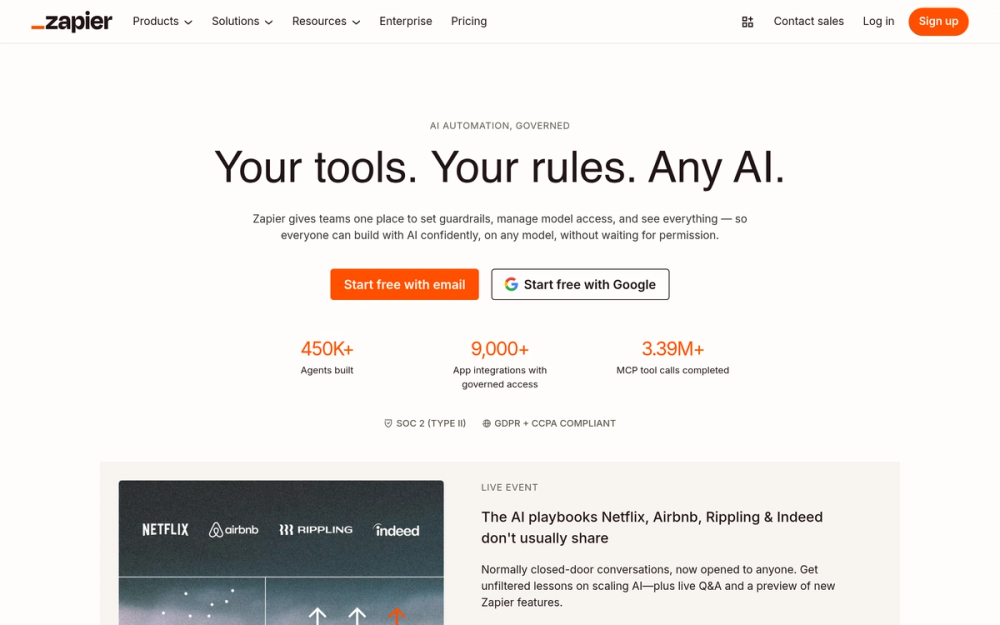
Zapier connects to 8,000+ apps, more than any tool on this list. Its AI Copilot builds workflows from plain-English descriptions, and Canvas adds visual planning for complex automations. The Agents add-on enables autonomous AI workers.
Key Features
- AI Copilot builds Zaps from natural language and maps fields automatically
- Canvas for visual AI system diagramming
- 8,000+ integrations, the largest library of any automation platform
- Zapier Agents add-on for autonomous multi-step execution
- AI Fields for in-line LLM data transformation
- MCP server support for LLM-triggered automations
Pros
- Largest integration library. If a SaaS tool exists, Zapier likely connects to it
- Most beginner-friendly. First Zap buildable in under 5 minutes
- Copilot correctly builds 2-4 step workflows without manual configuration
- Reliable uptime. Zaps run without constant monitoring
- All plans include Copilot and Canvas, no AI tier upsell
Cons
- Task-based pricing escalates fast for high-volume workflows
- Free plan capped at 100 tasks/month and 2-step Zaps only
- No built-in loops. Conditional logic limited versus Make or n8n
- Copilot struggles with complex conditional logic
Pricing
- Free: $0/mo - 100 tasks/month
- Professional: $19.99/mo - 750 tasks/month
- Team: $69/mo - 2,000 tasks/month
- Enterprise: Custom pricing - custom task limits
User Reviews
4.5/5 on G2 (1,754+ reviews) — Users praise integration breadth and Copilot speed. "Zapier has saved our team dozens of hours per week. The AI Copilot built our first automation in under 3 minutes." Top complaint: pricing at scale.
Best For
Non-technical teams needing broad app coverage. If your stack includes niche SaaS tools, Zapier's integration library is unmatched.
2. Make AI
Best for: Visual workflow building with advanced logic
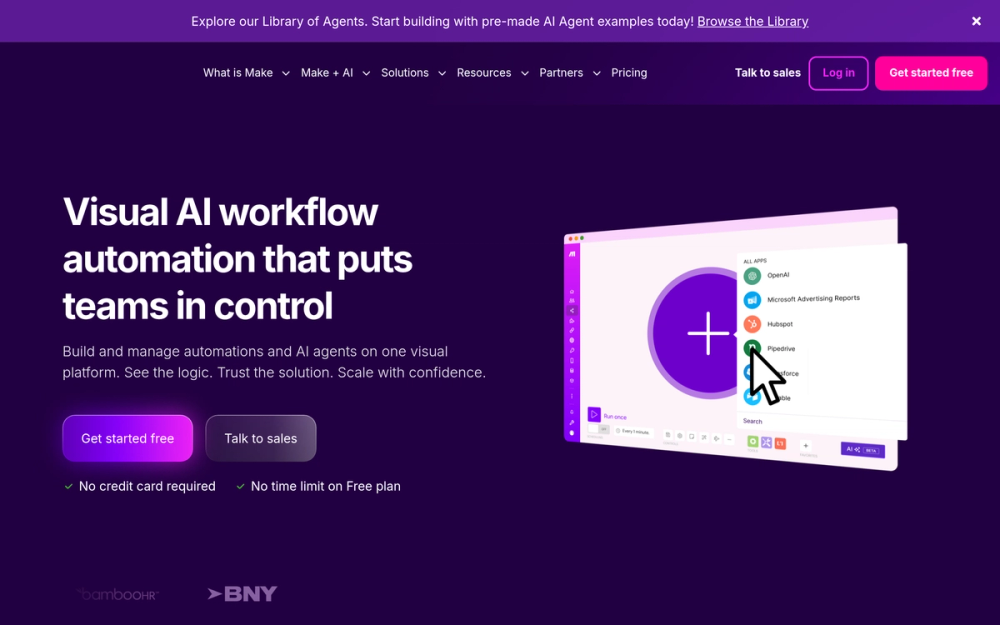
Make is the power-user alternative to Zapier. Its visual scenario builder supports routers, iterators, aggregators, and error handlers. Make AI Agents launched in April 2025, embedding autonomous agents directly in the scenario canvas with a next-gen update in October 2025.
Key Features
- Visual scenario builder with routers, iterators, and error handlers
- Make AI Agents (launched April 2025) for autonomous agents within the canvas
- 3,000+ integrations, all available on the free plan
- Multi-modal agent inputs supporting PDFs, images, CSVs, and audio
- Custom AI provider connections on paid plans (bring your own API key)
Pros
- Most powerful visual builder for complex branching scenarios
- All 3,000+ integrations on the free plan, no premium paywalls
- Credit-based pricing is more predictable than task-based billing
- AI Agents fully integrated in the build canvas
- Strong for agencies managing multiple client automations
Cons
- Steeper learning curve than Zapier
- Credits burn fast on AI-heavy scenarios
- Live chat support only on Teams and Enterprise plans
Pricing
- Free: $0/mo - 1,000 credits/month
- Core: $9/mo - 10,000 credits/month
- Pro: $16/mo - 10,000+ credits/month
- Teams: $29/mo - higher limits
User Reviews
4.7/5 on G2 (238+ reviews) — Users praise flexibility and value versus Zapier. "Make gives you so much more control over complex workflows — routers and iterators are game-changers once you get the hang of it." Top complaint: steep learning curve.
Best For
Power users and agencies needing complex conditional workflows with visual routing, iterators, and error handling.
3. n8n AI Nodes
Best for: Free, open-source AI workflow automation
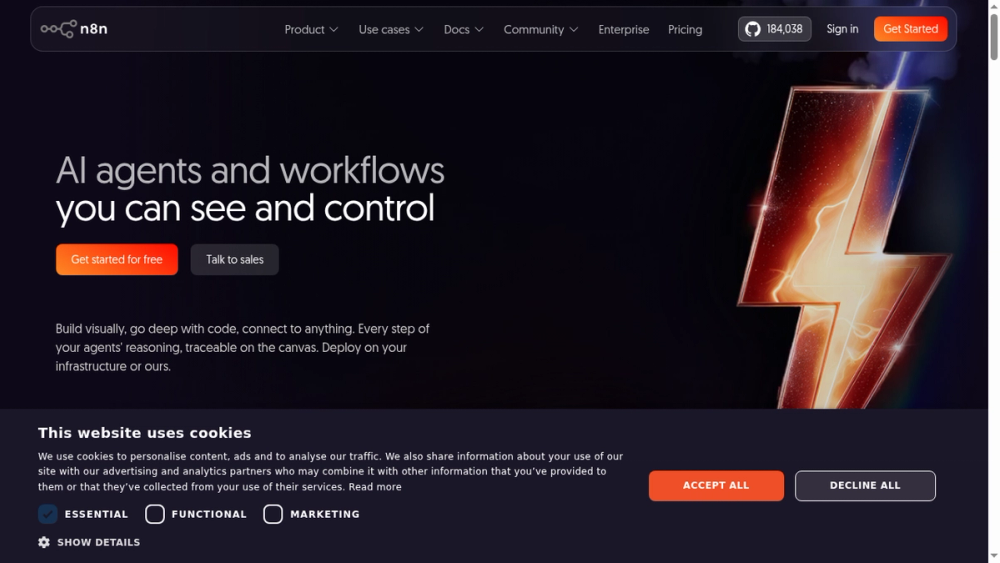
n8n is an open-source platform with 70+ native AI/LangChain nodes, the broadest AI node library of any automation tool. Self-host for free with unlimited executions. It raised $180M at a $2.5B valuation (October 2025, per TechCrunch).
Key Features
- 70+ AI/LangChain nodes for agents, vector stores, and RAG pipelines
- Self-hosted Community Edition, free with no execution limits
- 400+ native integrations plus 600+ community nodes
- Human-in-the-Loop to pause agents for human approval
- Code nodes for custom JavaScript or Python
- Local LLM support via Ollama for zero-cost AI agents
Pros
- Free self-hosting with no per-task costs
- Deepest native AI capability of any automation tool
- Execution-based pricing dramatically cheaper than task-based competitors
- Full data sovereignty when self-hosted
- Active open-source community with 600+ community nodes
Cons
- Steep learning curve requiring API and JSON knowledge
- 400 native integrations is fewer than Zapier (8,000+) or Make (3,000+)
- Self-hosting needs technical setup and maintenance
- SSO locked behind Enterprise license
Pricing
- Community (Self-Hosted): Free - unlimited executions
- Starter (Cloud): 20 euros/mo - 2,500 executions/month
- Pro (Cloud): 50 euros/mo - 10,000 executions/month
User Reviews
4.8/5 on G2 — Users call it the best tool for AI agent workflows with full control. "n8n's AI nodes make it possible to build RAG pipelines and LLM agents without writing a custom backend. Nothing else comes close at zero cost." Top complaint: learning curve for non-developers.
Best For
Developers who want full control over ai workflow automation tools without per-task billing. Ideal for data-sensitive, high-volume use cases.
4. Lindy AI
Best for: Purpose-built AI agent platform
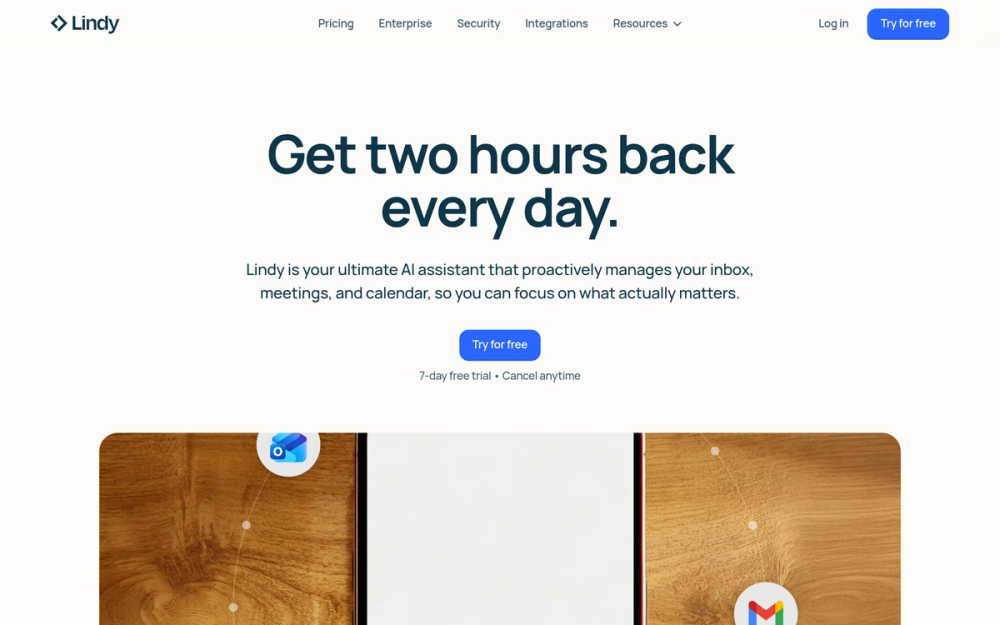
Lindy AI builds autonomous "Lindies" using natural language. Agent Swarms let one agent clone itself for hundreds of parallel tasks. Computer Use extends automation to browser UIs beyond API limitations. SOC 2, HIPAA, and GDPR compliant.
Key Features
- Natural-language agent builder for creating AI workers without code
- Agent Swarms for parallel execution across hundreds of instances
- Computer Use for browser-based automation beyond APIs
- Multi-channel across email, Slack, SMS, phone, and live chat
- 5,000+ integrations (claimed)
Pros
- Agent Swarms enable true parallel execution for outbound campaigns
- Multi-channel support out of the box
- Computer Use extends automation to tools without APIs
- Strong compliance credentials (SOC 2, HIPAA)
- Natural-language setup is genuinely accessible
Cons
- Credit-based pricing can lead to surprise bills
- Integration count claims are inconsistent across sources
- Mixed feedback on billing transparency and cancellation
- Phone call costs ($0.19/min) add up quickly
Pricing
- Free trial: $0 - 400 credits
- Plus: $49.99/mo - 5,000 credits/month
- Pro: $99.99/mo - 10,000+ credits/month
- Business: $299.99/mo - 30,000+ credits/month
User Reviews
4.9/5 on G2 (170+ reviews) — Users praise efficiency gains for email and meeting automation. "Our SDR team uses Lindy's Agent Swarms to run personalized outreach to 500+ prospects per day. The time savings are real." Top complaint: billing complexity.
Best For
Sales and customer success teams automating high-volume outreach. Best for companies wanting truly autonomous AI agents, not just AI-assisted building.
5. Bardeen
Best for: Browser-based sales and lead automation
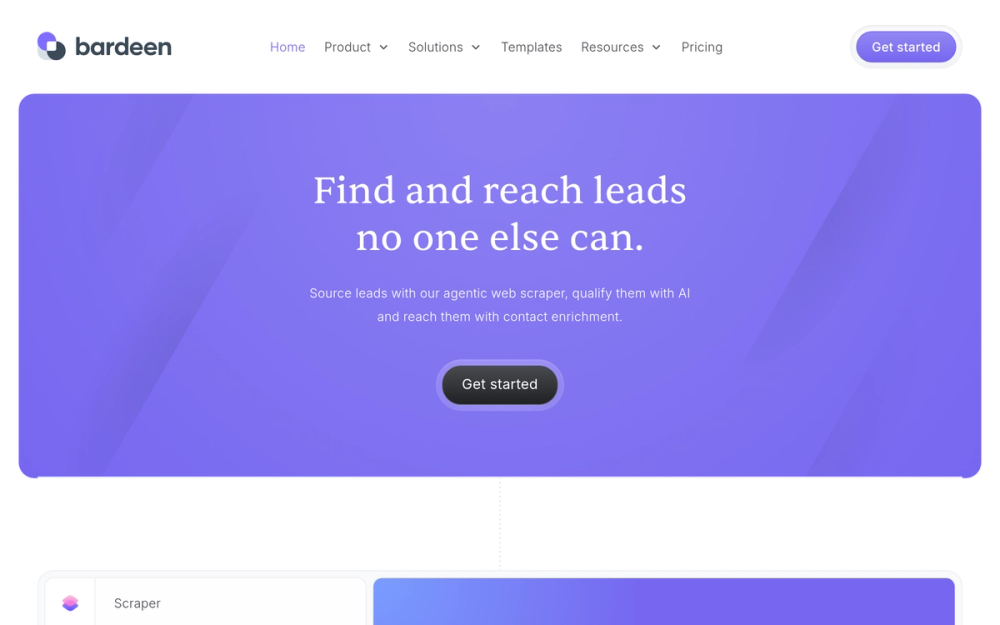
Bardeen is a Chrome extension combining AI web scraping, lead enrichment, and workflow automation. It runs in your browser with no server infrastructure. Users report 3-5 hours saved per day on manual data research (per G2 reviews).
Key Features
- AI web scraper extracting structured data from any webpage
- Lead enrichment auto-populating emails and phone numbers
- AI lead qualification with natural-language ICP definition
- Browser-native execution in Chrome
- Builder Mode for unlimited test runs without consuming credits
Pros
- Best-in-class browser-based scraping and lead generation
- AI enrichment replaces separate tools like Apollo or ZoomInfo
- Free Builder Mode for testing before spending credits
- Intuitive interface with fast time-to-first-automation
Cons
- Smaller integration library (100+ apps) compared to Zapier or Make
- Enrichment costs 3x more credits than scraping
- Chrome-only, no Firefox, Safari, or server-side execution
- Credits expire monthly with no rollover
Pricing
- Free: $0/mo - 100 credits/month
- Basic: $10/mo - 100 credits/month
- Premium: $50/mo - 1,000 credits/month
User Reviews
4.8/5 on G2 (35+ reviews) — Sales teams call it unmatched for scraping plus enrichment. "Bardeen replaced three separate tools for our outbound prospecting. I build lead lists from LinkedIn in minutes now." Top complaint: credit costs at scale.
Best For
SDRs and GTM teams doing outbound prospecting from LinkedIn and websites. Best as an ai sales automation tool for building lead lists.
6. Relevance AI
Best for: Marketing and sales AI agent workforce
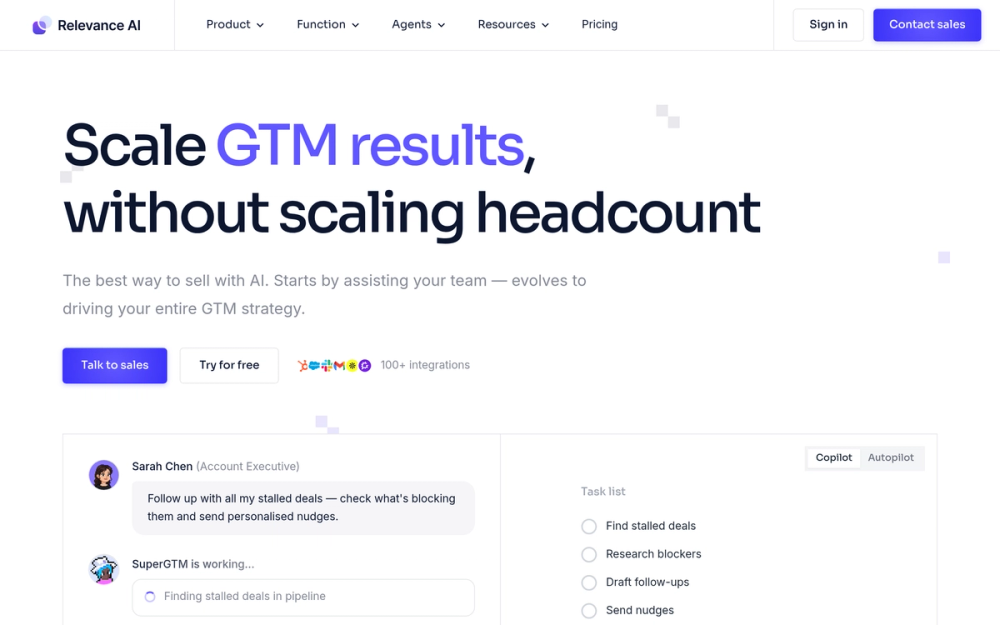
Relevance AI offers 400+ pre-built agent templates for BDR research, content generation, and prospect qualification with 2,000+ integrations. Its "Invent" feature lets you describe a process and AI generates the agent automatically.
Key Features
- 400+ pre-built agent templates for sales and marketing use cases
- Multi-agent coordination chaining agents into departmental workflows
- "Invent" feature to generate agents from process descriptions
- Bring Your Own LLM API key on paid plans
- 2,000+ integrations including ZoomInfo, LinkedIn, Salesforce
Pros
- 400+ templates provide fastest time-to-value for GTM use cases
- Multi-agent coordination enables department-level automation
- No markup on LLM costs with your own API key
- Free plan is genuinely usable for exploration
Cons
- Low G2 review count (20 reviews), limited peer validation
- Costs rise sharply at high action counts
- Steep learning curve for teams new to AI automation
- No prorated refunds for annual plans
Pricing
- Free: $0/mo - 200 actions/month
- Pro: $19/mo - 2,500 actions/month
- Team: $234/mo - 7,000 actions/month
User Reviews
4.3/5 on G2 (20+ reviews) — Users praise the "Invent" feature. "The pre-built BDR agent templates saved us weeks of setup time. We had a working prospect research workflow running on day one." Top complaint: cost at scale.
Best For
GTM teams wanting pre-built ai marketing automation tools for BDR research, prospect qualification, and content workflows.
7. Microsoft Power Automate + AI Builder
Best for: Enterprise teams on Microsoft 365
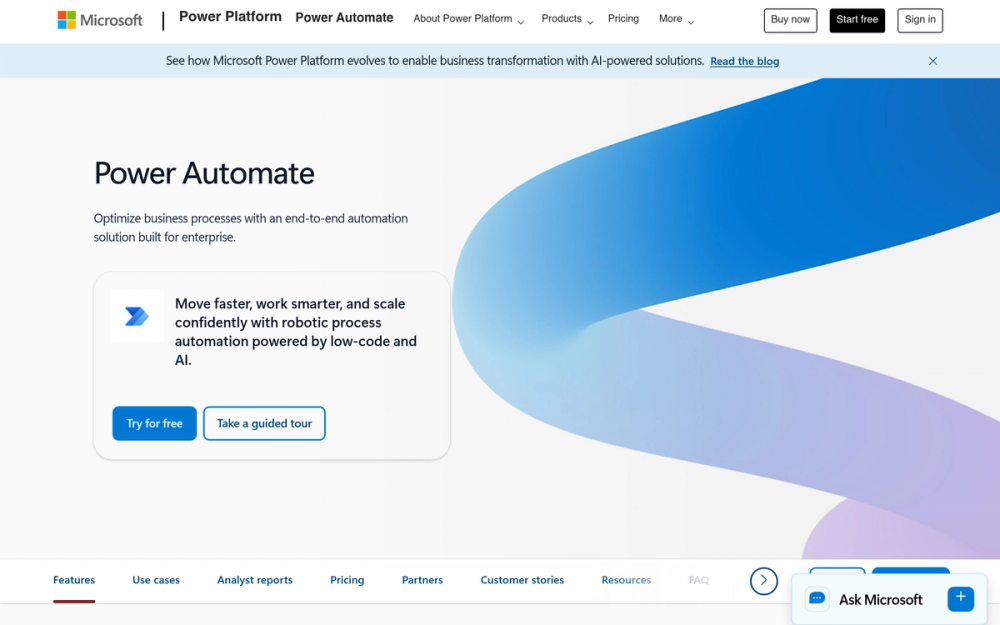
Microsoft Power Automate is the enterprise automation layer for the Microsoft ecosystem. AI Builder adds drag-and-drop AI models for document processing and prediction. Desktop RPA is included for automating legacy desktop applications.
Key Features
- Deep Microsoft 365 integration with SharePoint, Teams, Outlook, Dynamics 365
- AI Builder with 15+ pre-trained AI model types
- Desktop RPA for legacy desktop application automation
- 1,000+ connectors across Microsoft and third-party services
- On-premises data gateway for hybrid workflows
Pros
- Unmatched Microsoft 365 integration depth
- Desktop RPA at accessible price versus UiPath ($420+/month)
- Enterprise-grade security on Azure infrastructure
- Already included in many M365 licenses
Cons
- Complex licensing with AI Builder credits, Copilot Credits, and add-ons
- Seeded credits being removed November 2026, increasing costs
- Third-party connectors often inferior to Zapier/Make equivalents
- Technical support is slow
Pricing
- Premium: $15/user/mo - 5,000 AI Builder credits
- Process: $150/user/mo - Desktop RPA, unattended mode
- AI Builder Add-on: $500/unit/mo - 1M additional credits
User Reviews
4.4/5 on G2 (1,049+ reviews) — Microsoft teams praise ecosystem depth. "For any team already in Microsoft 365, Power Automate is the obvious choice — it connects everything without needing a third-party tool." Top complaint: licensing complexity.
Best For
Organizations deeply invested in Microsoft 365 and Azure. Not recommended for non-Microsoft stacks.
8. Activepieces
Best for: Open-source Zapier alternative with unlimited tasks
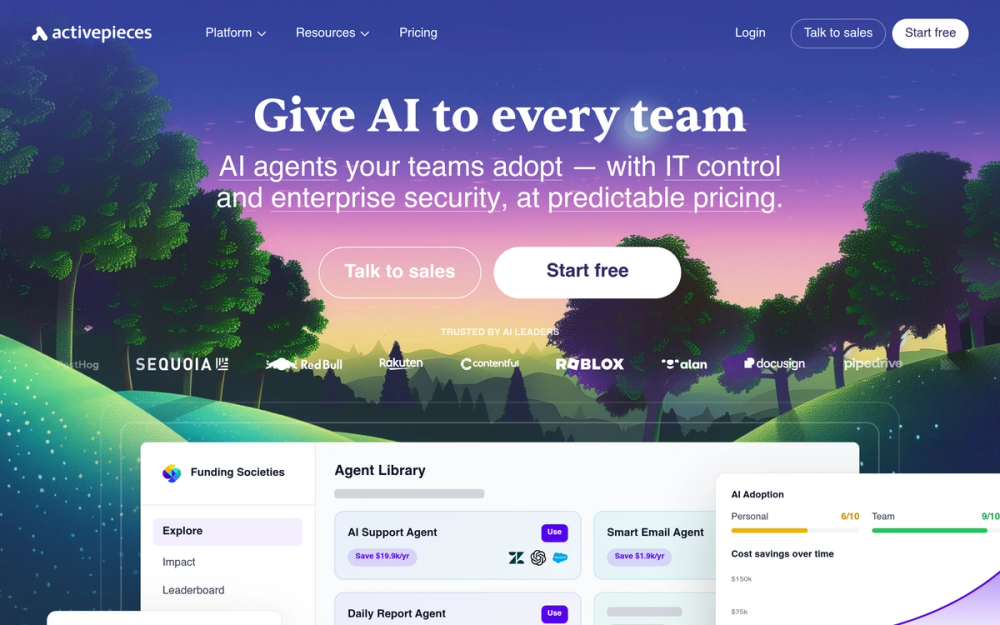
Activepieces is MIT-licensed with unlimited task runs on all cloud plans and a unique per-active-flow pricing model ($5/flow after 10 free). AI agent steps are native on all plans, not a premium add-on.
Key Features
- MIT-licensed self-hosting, completely free with no limits
- Unlimited task runs on all cloud plans
- 685+ integrations with native AI pieces for OpenAI, Claude, Gemini
- Native AI Agent steps on all plans, no separate tier
- Unlimited MCP servers on all plans
Pros
- Self-hosted is completely free with no task limits
- Unlimited cloud tasks eliminate surprise overage bills
- AI is native, not bolted on. Agent steps on all plans
- Per-active-flow pricing is more transparent than credit models
- Open-source with 270+ community contributors
Cons
- Smaller integration library (685 pieces) versus Zapier or Make
- Some pieces are incomplete with missing triggers
- Smaller community means fewer templates
- Self-hosting requires technical knowledge
Pricing
- Standard (Cloud): $5/flow/mo - unlimited tasks, 10 flows free
- Community (Self-Hosted): Free - unlimited tasks and flows
User Reviews
4.8/5 on G2 (141+ reviews) — Users call it "finally a true Zapier alternative." "Unlimited tasks with no overages is a game-changer. We moved our entire automation stack to Activepieces and cut our monthly costs by 80%." Top complaint: missing niche integrations.
Best For
Teams wanting free ai automation tools with self-hosting and no per-task costs. Ideal for high-volume use cases.
9. Cassidy AI
Best for: Knowledge-grounded AI automation
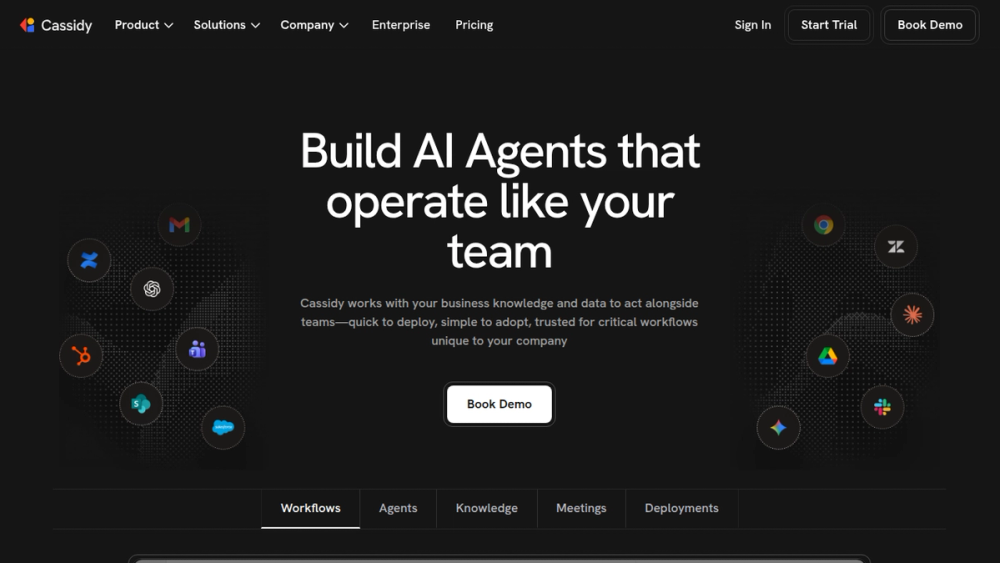
Cassidy AI ingests company knowledge, SOPs, and documents, then uses that context to power automations. Agents produce company-specific responses grounded in your policies. Serves 20,000+ teams and is SOC 2, HIPAA, GDPR compliant.
Key Features
- Business context engine syncing Google Drive, SharePoint, Confluence
- Multi-LLM flexibility with GPT-4o, Claude, and Gemini
- Document verification cross-checking outputs against source policies
- Deployment across surfaces including Chrome, Outlook, Slack, Teams
- 100+ native integrations
Pros
- Business context makes AI outputs more accurate than generic chatbots
- Knowledge base auto-syncs without manual updates
- Multi-LLM flexibility for task-specific model selection
- Enterprise security trusted by Fortune 500 companies
Cons
- Smaller integration library (100+ apps)
- Business tier requires a demo call, no self-serve pricing
- Output quality depends on quality of uploaded knowledge
- Can overwhelm non-technical users
Pricing
- Starter: Free - 3 seats, 5 agents
- Business: Custom pricing - all features, premium models
- Enterprise: Custom pricing - SSO, HIPAA, audit trails
User Reviews
Limited G2 data as a newer platform. Positive sentiment on context-aware response quality. "Cassidy is the first AI tool that actually sounds like our company. Every automated response reflects our actual policies and tone." Top complaint: limited integrations.
Best For
Enterprise teams where generic AI is not accurate enough and company policies must be enforced in every automated response.
10. Relay.app
Best for: Human-in-the-loop workflows
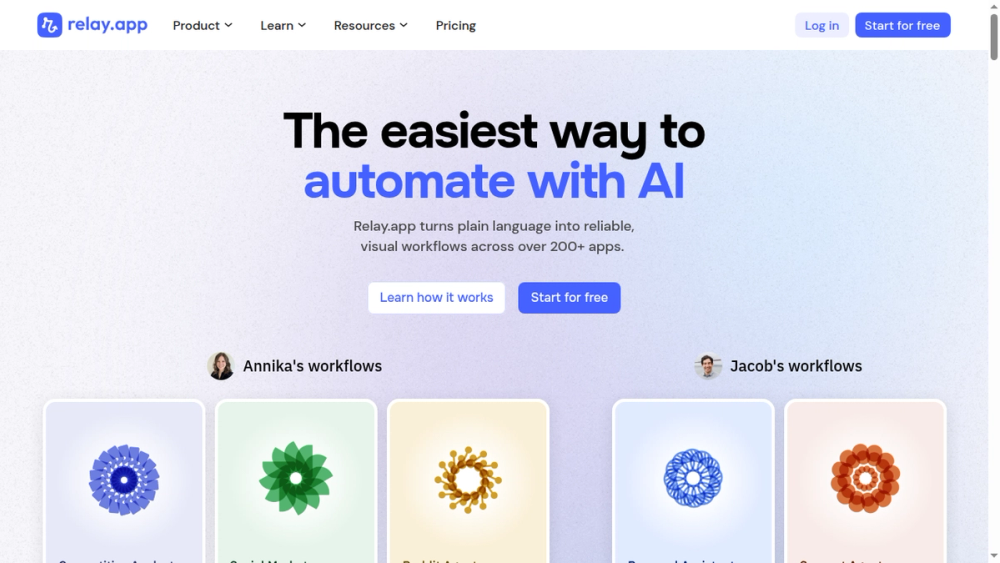
Relay.app is built around one idea: humans belong in automated workflows. Its human-in-the-loop implementation is the most polished I have found. Built-in AI credits for GPT-4o, Claude, and Gemini mean you start using AI steps immediately without configuring API keys.
Key Features
- Human-in-the-loop approval natively built into every workflow
- Built-in AI credits for GPT-4o, Claude 3.5 Sonnet, Gemini 1.5 Pro
- All features on all plans, only usage limits differ
- 100+ integrations with no premium connector fees
- Multiplayer workflows with shared connections
Pros
- Best human-in-the-loop implementation of any platform
- All features and integrations on every plan, no paywalls
- Built-in AI credits, no API key configuration needed
- Clean, beginner-friendly UI with minimal learning curve
Cons
- Smaller integration library (100+ apps)
- Monthly step limits can pause workflows during traffic spikes
- No self-hosting option
- Email-only support for non-Enterprise users
Pricing
- Free: $0/mo - 200 steps/month
- Professional: $19/mo - 750 steps/month
- Team: $69/mo - 2,000 steps/month
User Reviews
4.9/5 on G2 — Users call it the best tool for workflows needing human involvement. "Relay.app is the only automation tool I've found where adding a human approval step feels as natural as adding any other step." Top complaint: limited integrations.
Best For
Teams needing human approvals within workflows, such as legal review, content approval, or finance sign-off.
AI Automation Tools Comparison Table
AI Automation Tools Comparison
Feature comparison of the 10 best AI automation tools in 2026 including type, pricing, free tier, AI capabilities, integrations, and ideal use cases.
| Tool | Type | Starting Price | Free Tier | AI Capability | Integrations | Best For |
|---|---|---|---|---|---|---|
| Zapier | No-code | $19.99/mo | 100 tasks/mo | AI Copilot, Agents | 8,000+ | Overall best |
| Make | Visual builder | $9/mo | 1,000 credits/mo | AI Agents, MCP | 3,000+ | Complex workflows |
| n8n | Open-source | 20 euros/mo | Unlimited (self-hosted) | 70+ AI nodes | 400+ | Developers |
| Lindy AI | AI agents | $49.99/mo | Free trial | Agent Swarms | 5,000+ | Autonomous agents |
| Bardeen | Browser extension | $10/mo | 100 credits/mo | AI scraper | 100+ | Sales prospecting |
| Relevance AI | Agent platform | $19/mo | 200 actions/mo | Multi-agent | 2,000+ | Marketing agents |
| Power Automate | Enterprise | $15/user/mo | Microsoft apps | AI Builder, RPA | 1,000+ | Microsoft 365 |
| Activepieces | Open-source | $5/flow/mo | Unlimited (self-hosted) | Native AI steps | 685+ | High volume |
| Cassidy AI | Knowledge AI | Custom | Starter free | Context-aware AI | 100+ | Enterprise knowledge |
| Relay.app | Human-in-loop | $19/mo | 200 steps/mo | Built-in AI | 100+ | Human approvals |
How to Choose the Right AI Automation Tool
Picking the right tool depends on what you are automating, what you can spend, and how technical your team is.
By Use Case
Marketing. Relevance AI has the deepest template library for ai marketing automation tools, including content generation and campaign workflows. Make is strong for complex multi-branch campaign logic.
Sales. Bardeen dominates browser-based lead scraping. Lindy AI excels at high-volume outbound with Agent Swarms. Relevance AI provides pre-built BDR agents.
Customer support. Cassidy AI stands out with knowledge-grounded agents producing company-specific responses. Zapier is strong for routing tickets across your support stack.
IT and operations. Power Automate is the choice for Microsoft-heavy organizations. n8n is the pick for technical teams wanting self-hosted control.
General business. Zapier covers the widest range with least friction. Budget-constrained teams should consider Activepieces.
By Budget
Free. n8n (self-hosted, unlimited) and Activepieces (self-hosted, unlimited) are the clear winners for free ai automation tools.
$10-50/month. Make Core ($9/mo), Bardeen Basic ($10/mo), Zapier Pro ($19.99/mo), Relevance AI Pro ($19/mo), and Relay.app Pro ($19/mo). Make offers best value for complex workflows.
$50-200/month. Lindy AI Pro ($49.99/mo), Zapier Team ($69/mo), Relay.app Team ($69/mo), and n8n Pro Cloud (50 euros/mo).
$200+/month. Enterprise plans, Lindy Business ($299.99/mo), Relevance AI Team ($234/mo). Negotiate annual contracts.
By Technical Level
No-code. Zapier, Relay.app, and Bardeen. Build useful workflows in 15 minutes, no API knowledge required.
Low-code. Make and Activepieces. More power, still visual. Understanding JSON and conditional logic helps.
Developer. n8n. Code nodes (JavaScript, Python), self-hosting, 70+ AI nodes, and RAG pipeline support.
Frequently Asked Questions About AI Automation Tools
What are the best AI automation tools in 2026?
The best AI automation tools in 2026 are Zapier AI (best overall), Make AI (best visual builder), n8n (best free and open-source), and Lindy AI (best AI agent platform). The right choice depends on your use case, budget, and technical level.
What can AI automation tools actually do?
AI automation tools handle data routing, content drafting, decision branching, summarization, and natural-language workflow building. They can parse emails, categorize tickets, draft responses, and route workflows based on AI analysis. They still need humans for complex business logic and quality control.
Are there free AI automation tools?
Yes. n8n offers a free self-hosted Community Edition with unlimited executions. Activepieces offers free self-hosting under an MIT license. Zapier, Make, Relay.app, and Relevance AI all include limited free tiers. Lindy AI offers a free trial.
What is the difference between AI automation and regular automation?
Regular automation follows fixed rules: "When X happens, do Y." AI automation adds intelligence so nodes can classify, summarize, draft, or make decisions based on context rather than rigid rules. AI tools also let you build workflows by describing them in plain English.
Which AI automation tool is best for marketing?
Relevance AI is strongest for marketing teams with 400+ pre-built agent templates for content generation and campaign workflows. Make excels at complex multi-branch marketing automations. Zapier covers the broadest range of marketing apps with 8,000+ integrations.
How do I choose an AI automation tool for my business?
Start with three questions: what are you automating, what is your monthly budget, and how technical is your team. Non-technical teams should start with Zapier or Relay.app. Technical teams get more value from n8n or Make. Budget-constrained teams should consider self-hosted n8n or Activepieces.
Can AI automation tools replace Zapier or Make?
AI-native tools like Lindy AI and Relevance AI serve different purposes than Zapier or Make. Zapier and Make excel at structured triggers and actions across apps. AI agent platforms handle autonomous, decision-heavy tasks. Many teams use both together.
Do AI automation tools require coding?
Most do not. Zapier, Make, Relay.app, Bardeen, Lindy AI, and Relevance AI are all no-code. n8n and Activepieces offer visual builders with optional code nodes. Only n8n self-hosting requires technical setup.
What is the best AI automation tool for small businesses?
Zapier AI is the safest choice for small businesses due to its beginner-friendly interface and 8,000+ integrations. If budget is the priority, Activepieces (free self-hosting) or Make (free tier with 1,000 credits and 3,000+ integrations) offer strong value.
What are AI workflow automation tools?
AI workflow automation tools combine traditional workflow automation (triggers, actions, integrations) with AI capabilities like natural-language building, AI decision nodes, content generation, and autonomous agents. Examples include Zapier AI, Make AI, and n8n with AI nodes.
Final Recommendation
For most teams, Zapier AI is the best starting point. Its 8,000+ integrations, AI Copilot, and low learning curve make it the fastest path from idea to working automation.
If you need advanced logic, Make gives you visual routing and error handlers that Zapier cannot match, at a lower price.
If you are technical, n8n is unmatched. Self-host for free, use 70+ AI nodes, pay nothing per task.
If you want autonomous agents, Lindy AI's Agent Swarms go further than any other platform here.
If human approvals matter, Relay.app has the best implementation I have found.
Start with a free tier, build one real workflow, and see how it fits. Explore more automation tools in our directory to compare options side by side.