
8 Best No Code Automation Tools for Non-Technical Teams (2026)
Manual tasks steal hours from your team every week. McKinsey Global Institute research found that 60% of occupations have at least one-third of their activities automatable with current technology. In my research into no code automation tools, I found platforms that let non-technical teams eliminate copy-paste work in minutes, with zero coding required.
I researched 8 platforms that require zero coding to set up. Each one lets marketers, ops staff, and founders build workflows with drag-and-drop interfaces. Some are free forever. Others cost as little as $2.99/month.
In this guide, I compare pricing, integrations, AI features, and real user reviews across every major platform. You will leave with a clear pick for your team's exact needs. Let's get into it.
TL;DR
After researching 8 no-code automation platforms, here are my top picks for 2026. Zapier wins best overall with 7,000+ integrations and the shortest learning curve. Make offers the best visual builder at $9/month. n8n leads open source for technical teams, while Activepieces gives non-technical teams a genuinely free tier (10 flows, unlimited runs). Bardeen stands alone for browser and AI scraping. IFTTT is the simplest at $2.99/month. Parabola handles data pipelines for ops teams. Pabbly Connect wins on budget with lifetime deals.
Key Takeaways
- No-code automation tools let non-technical users build workflows via drag-and-drop, with no programming required.
- The market splits into: general connectors (Zapier, Make), open-source self-hostable (n8n, Activepieces), browser/AI automators (Bardeen), and data pipeline tools (Parabola).
- Pricing ranges from free forever (Activepieces, IFTTT 2 applets) to $3.49-$80/month for most starter plans, scaling by task volume.
- No-code tools differ from low-code (allows optional scripting), RPA (automates UI interactions), and iPaaS (enterprise IT integration focus).
- For most non-technical teams in 2026, Zapier or Make covers 90% of common workflow automation use cases out of the box.
What Are No Code Automation Tools?
No code automation tools are platforms that let you connect apps and automate repetitive work without writing a single line of code. You build workflows by dragging blocks, selecting from menus, and clicking buttons.
Every no-code workflow relies on four core components. Triggers are the events that start an automation, like a new email or form submission. Actions are the tasks the tool performs after a trigger fires. Conditions add logic: only run this step if a certain value matches. Integrations are the pre-built connections to apps like Gmail, Slack, Shopify, or Salesforce.
This category differs from three adjacent approaches. Low-code platforms allow optional scripting for advanced users. RPA tools automate legacy software by mimicking mouse clicks and keystrokes. iPaaS platforms focus on complex enterprise IT integration. No code workflow automation sits between all three, aimed squarely at non-developers.
How We Chose These No Code Automation Tools
I evaluated every tool against six criteria before including it in this list:
- True no-code UI: anyone can build workflows without calling a developer
- Non-technical user focus: documentation, onboarding, and UX built for marketers and ops staff
- Integration breadth: at minimum 100 pre-built connectors to popular business apps
- Pricing transparency: clear published pricing with no hidden per-step or per-seat fees
- 2026 AI features: native AI copilots, agents, or LLM integrations
- Active development and support: regular releases, responsive support, and healthy communities
Every tool on this list passed all six. I cross-checked user ratings on G2 and Capterra for reliability signals and gave extra weight to platforms with 100+ recent reviews.
No Code Automation Tools Comparison Table
Tool Best for Integrations Free tier Starting price Open source Zapier Overall 7,000+ 100 tasks/mo $19.99/mo No Make Visual workflows 3,000+ 1,000 credits/mo $9/mo No n8n Open source 400+ native Self-host free $22/mo cloud Yes Activepieces Free open source 600+ 10 flows (unlimited runs) Self-host free Yes Bardeen Browser + AI 100+ 100 credits/mo $10/mo No IFTTT Simple triggers 900+ 2 applets $2.99/mo No Parabola Data pipelines 100+ sources 1,000 credits/mo $20/mo No Pabbly Connect Budget 2,000+ 100 tasks/mo $16/mo No
The 8 Best No Code Automation Tools in 2026
Below are the 8 platforms I recommend across different team sizes, budgets, and technical levels.
1. Zapier: Best Overall No Code Automation Tool
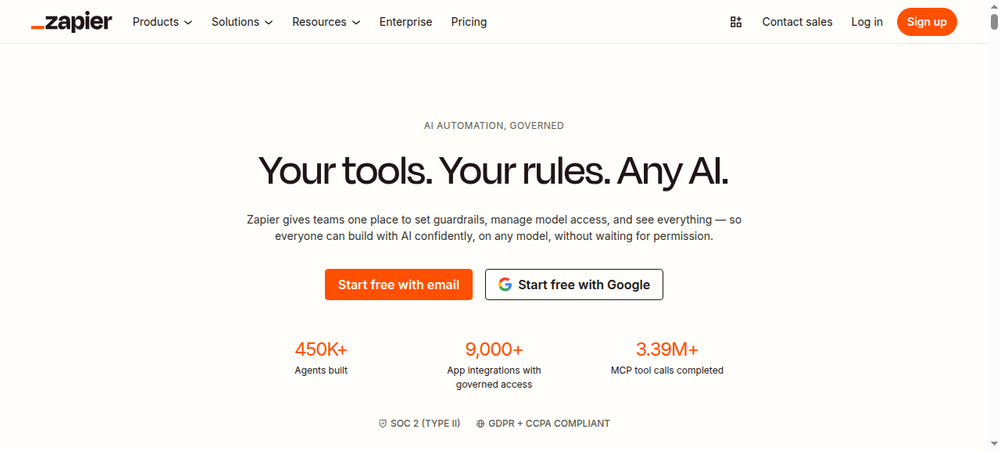
Zapier is the default choice for most non-technical teams in 2026. It connects more apps than any other tool on this list and ships with an AI copilot that writes workflows for you. Most users build their first Zap in under 10 minutes.
Key Features
- 8,000+ app integrations (largest catalog in no-code automation)
- Multi-step Zaps with conditional logic and filters
- AI Copilot: builds complete workflows from natural language descriptions
- Zapier Agents: autonomous AI teammates that work across its full app catalog
- Tables and Interfaces: built-in database and form tools for full mini-apps
- Zap templates: 6,000+ pre-built workflows to start in 1 click
- Webhooks and scheduled triggers
Pros
- Widest app library on this list: more pre-built connectors than any competitor
- Lowest learning curve: most non-technical users build their first Zap in under 10 minutes
- Best-in-class templates library: thousands of pre-built workflows to start in 1 click
- AI Copilot removes even the need to understand workflow logic
- 4.7/5 on Capterra from 3,000+ reviews signals strong reliability
Cons
- Each workflow step counts as a separate task: a 5-step Zap costs 5 tasks per run
- Pricing escalates fast at volume: teams running thousands of automations can hit $300+/month
- No self-hosting option
- Premium apps (Salesforce, HubSpot) locked behind paid plans
Pricing
- Free: $0, 100 tasks/month, two-step Zaps only
- Professional: $19.99/month, 750 tasks (scales), single-step to multi-step, premium apps
- Team: $69/month, up to 25 users, shared workflows
- Enterprise: custom pricing, unlimited users, advanced security
User Reviews
Zapier holds a 4.5/5 on G2 (1,754 reviews) and 4.7/5 on Capterra (3,046 reviews). Users consistently praise the integration breadth and ease of setup. The main complaint: task-based billing creates surprise costs when workflows scale up. You can see the latest pricing on zapier.com.
Best For
Non-technical marketing, sales, and operations teams at SMBs who need the widest app coverage and the shortest path from idea to running automation.
2. Make: Best Visual Workflow Builder
Make offers the most visual interface in this category. Complex multi-branch workflows become accessible through a flowchart-style canvas. At $9/month for 5,000 operations, it is also the cheapest per-run option on this list.
Key Features
- Visual flowchart-style scenario builder (see your entire workflow at once)
- 3,000+ app integrations
- Routers and iterators for multi-branch, parallel workflows
- Make AI Agents: build AI agents inside the visual canvas (2026 launch)
- Real-time execution logs with step-by-step debugging
- Webhooks, scheduling, and HTTP/API module for any service
- Operations model: each module execution = 1 operation (more affordable at volume than Zapier)
Pros
- Visual canvas shows the entire flow: easier to debug than Zapier's linear view
- Significantly cheaper at volume: $9/month gets 5,000 operations vs. Zapier's 750 tasks at $19.99
- 3,000+ app connections
- AI Agents let you build autonomous workflows visually
- 4.8/5 on Capterra (406 reviews), the highest-rated tool on this metric in our list
Cons
- Steep learning curve: unique terminology (scenarios, modules, bundles) trips up beginners
- No live chat support on any paid plan
- Free tier limited to 2 active scenarios (not practical for real team use)
- Some connectors require more manual configuration than Zapier's equivalents
Pricing
- Free: $0, 1,000 operations/month, 2 active scenarios
- Pro: $9/month, 5,000 credits, unlimited active scenarios, 15-min scheduling
- Enterprise: custom pricing, advanced security, dedicated support
- Enterprise: custom
User Reviews
Make holds 4.7/5 on G2 (238 reviews) and 4.8/5 on Capterra (406 reviews). Users consistently highlight the visual scenario builder and value for money. The learning curve for newcomers is the primary complaint. Full pricing details live on make.com.
Best For
Teams who need complex, multi-branch workflows at lower cost. Especially strong for e-commerce, marketing operations, and data routing teams willing to invest a few hours learning the platform.
3. n8n: Best Open-Source No Code Automation Platform
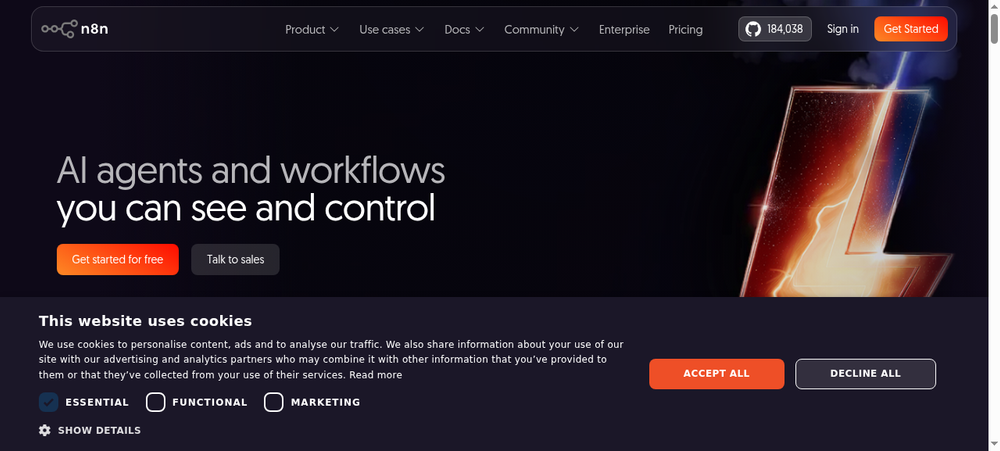
n8n is a self-hosted, open-source automation platform with zero execution limits on the Community Edition. It markets itself as "no-code for most, low-code when you need it," meaning you can drop in JavaScript when the visual nodes are not enough.
Key Features
- 400+ native integration nodes, 600+ community-built nodes
- Self-host for free on your own server (Docker)
- AI agent builder with OpenAI, Anthropic, and local models via Ollama
- AI Workflow Builder: generate workflows from natural language
- Optional JavaScript inside nodes for custom logic (no-code by default, code-optional)
- Vector database integrations for RAG pipelines
- Canvas UI with visual debugging
Pros
- Self-hosted Community Edition is completely free, including unlimited executions
- Full data sovereignty: your workflows, credentials, and data stay on your server
- Native AI agent builder rivals dedicated AI automation platforms
- Scored 4.8/5 on G2 (233 reviews), the highest G2 score among cloud-based tools
- 1,000+ total integrations when community nodes included
Cons
- Not truly no-code at advanced tiers: requires technical knowledge for webhooks, JSON, and API auth
- Cloud pricing is in EUR and lacks a free cloud tier
- Error messages are technical, not plain-language
- Requires server management knowledge for self-hosting
- Not recommended for non-developer teams without technical support on hand
Pricing
- Self-hosted: free (unlimited executions, full features)
- Starter: ~$22/month, 2,500 executions
- Pro: ~$55/month, scaled executions
- Enterprise: custom
User Reviews
n8n holds 4.8/5 on G2 (233 reviews). Users love the combination of self-hosting freedom and workflow power. The steep learning curve is the consistent caveat. Installation docs and latest releases live on n8n.io.
Best For
Technical teams, developers, and agencies that need maximum flexibility, data sovereignty, and cost control on self-hosted infrastructure.
4. Activepieces: Best Free Open-Source Automation Tool
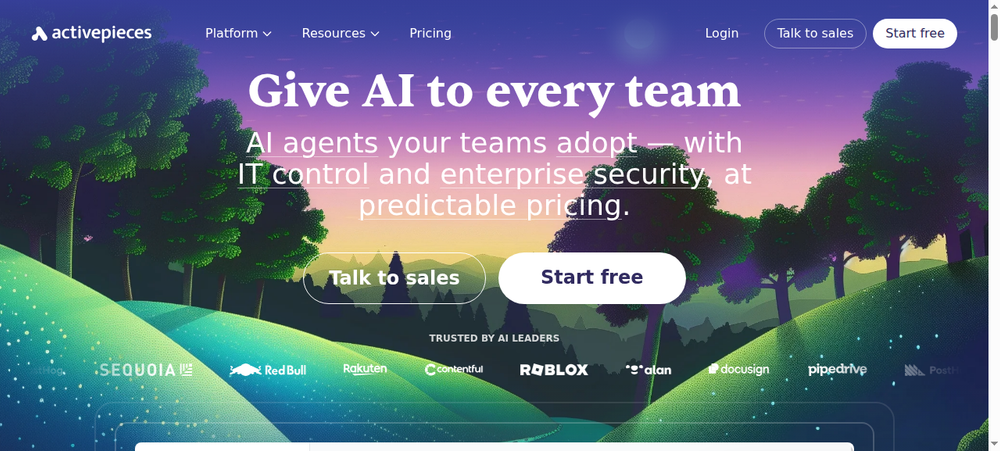
Activepieces is MIT-licensed and truly free: 10 flows with unlimited task runs, even on the hosted tier. The UI feels as simple as Zapier, making it the top open-source pick for non-technical teams.
Key Features
- 600+ pieces (integration connectors), 450+ pre-built
- MIT-licensed open-source: self-host free, forever
- Visual drag-and-drop flow builder
- Built-in AI agent builder with natural language prompts
- 280+ pieces available as MCP servers (works with Claude Desktop, Cursor, Windsurf)
- Deep integrations with OpenAI and Anthropic
- Active open-source community with hundreds of contributors on GitHub
Pros
- Free tier is genuinely useful: 10 flows with unlimited task runs
- AI agents included in the free tier (no extra cost)
- Largest open-source MCP toolkit on the market
- Non-technical teams can adopt it from day one with no coding knowledge
- 4.8/5 on G2 (141 reviews), the highest satisfaction score on this list
Cons
- Fewer pre-built workflow templates than Zapier
- Some connectors require manual configuration
- Relatively newer platform: some niche integrations are incomplete
- Tutorial content primarily in English
Pricing
- Self-hosted: free forever
- Cloud Free: 10 active flows, unlimited runs, AI agents included
- Cloud Paid: $5/active flow/month above 10 flows
- Enterprise: custom, unlimited flows
User Reviews
Activepieces holds 4.8/5 on G2 (141 reviews) with 92% of reviewers giving it 5 stars. Users praise the combination of free access, clean UI, and AI-native architecture. The source and hosted service live on activepieces.com.
Best For
Non-technical teams wanting Zapier-like ease with better pricing transparency. Startups and SMBs needing AI agent capabilities without enterprise-level costs.
5. Bardeen: Best for Browser and AI Automations
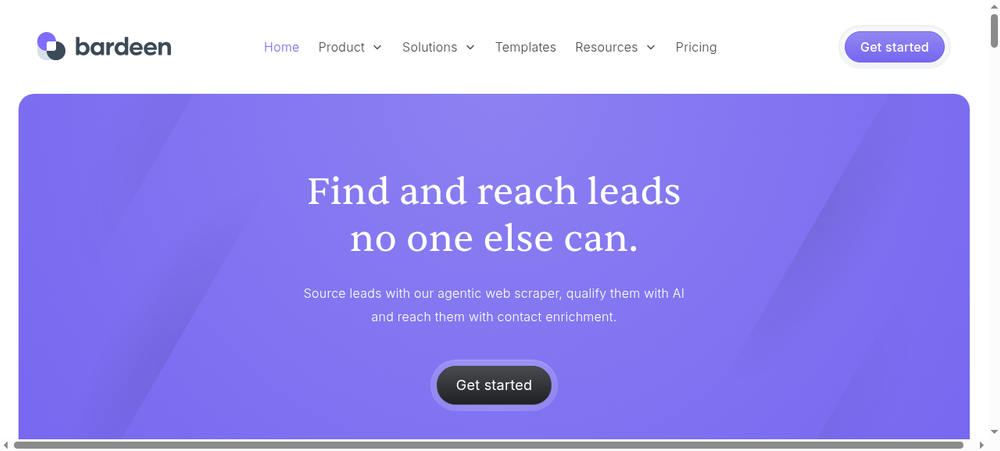
Bardeen runs inside Chrome and scrapes any website you can open in your browser. It is a different category from everything else on this list, built for sales reps, recruiters, and GTM teams who live in the browser.
Key Features
- Chrome extension: automates any website you can open in your browser
- AI-powered web scraper adapts to page structure automatically
- 100+ native integrations (Gmail, Sheets, Airtable, Notion, Salesforce, Slack, LinkedIn)
- Browser Agents: traverse websites autonomously and extract structured data
- AI Magic Actions for lead enrichment and LinkedIn data extraction
- Natural language playbook creation
- Cloud "Always-On" commands run without your browser open
Pros
- Only tool on this list that can scrape and automate any website without an API
- AI agents handle multi-step research flows (find company, enrich lead, add to CRM)
- Highest G2 rating on this list: 4.9/5 (32 reviews)
- Sales and GTM teams get automation superpower for lead research
- Free forever tier with 100 monthly credits
Cons
- Core automations require Chrome to be open (browser-dependent)
- Credit consumption for data enrichment is fast and opaque: $50/month can deplete quickly
- 100 native integrations, significantly fewer than Zapier or Make
- Not suited for server-side or scheduled backend workflows
- Low review count (32 on G2) means the 4.9/5 rating has limited statistical weight
Pricing
- Free: $0, 100 credits/month (expire monthly)
- Basic: $10/month, 100 credits
- Premium: $50/month, 1,000 credits
- Enterprise: custom bulk credits
User Reviews
Bardeen holds 4.9/5 on G2 (32 reviews) and 4.5/5 on Capterra (35 reviews). Sales teams and recruiters specifically praise the LinkedIn and lead enrichment automation capabilities. The extension and docs are available at bardeen.ai.
Best For
Sales teams, recruiters, and GTM professionals who need browser-based automation for lead research, web data collection, and LinkedIn prospecting.
6. IFTTT: Best Simple Trigger-Action Automation
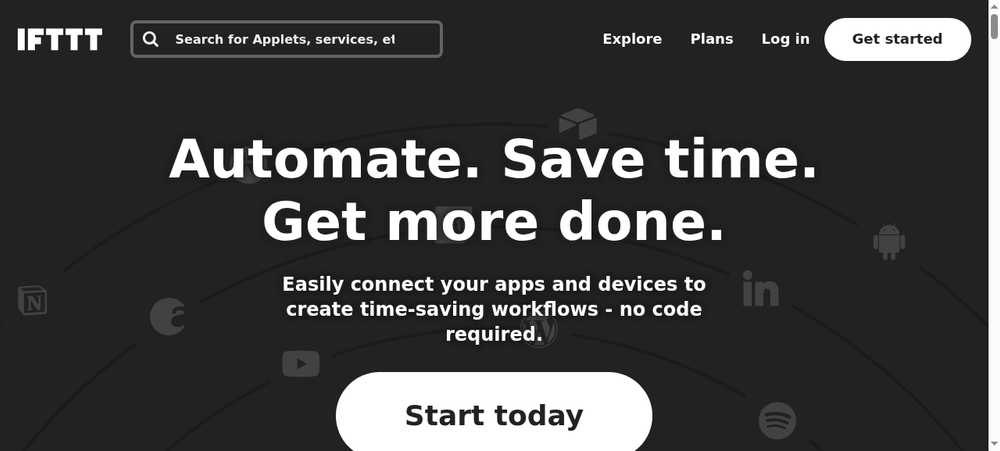
IFTTT stands for "if this, then that." You pick one trigger and one action, and the applet runs. There is no learning curve, making it the simplest entry point to automation in my research.
Key Features
- 900+ service/brand connections
- Single trigger-to-action applets (no multi-step complexity)
- Pre-built applet library for consumer and business use cases
- IoT and smart home device support (Google Home, Alexa, smart plugs, lights)
- Pro+: multi-action, filter code for conditional logic
- 10 AI services on Pro+ (Social Creator, Content Creator, Summarizer, Translation)
- Mobile app for iOS and Android
Pros
- Absolute simplest no-code tool: most users set up their first applet in 2 minutes
- Best option for smart home and IoT automation
- Vast pre-built applet library saves setup time
- Pro+ at $8.99/month is the cheapest unlimited-applet plan in this comparison
- 4.6/5 on Capterra (220 reviews)
Cons
- Free tier limits you to 2 applets (not practical for team use)
- Complex conditional logic is not its strength: use Make or Zapier instead
- Reliability issues: execution lag and occasional applet bugs reported consistently
- 2020 Pro paywall shift for previously-free features caused lasting user trust issues
- Not suitable for complex business process automation
Pricing
- Free: $0, 2 applets
- Pro: $2.99/month, 20 applets, multi-action, webhooks
- Pro+: $8.99/month, unlimited applets, 10 AI services, filter code
User Reviews
IFTTT holds 4.5/5 on G2 (115 reviews) and 4.6/5 on Capterra (220 reviews). Users praise the simplicity and IoT support. Reliability and the restrictive free tier are the consistent pain points. Current plans and applets live at ifttt.com.
Best For
Individuals and very small teams needing simple consumer-grade automations: smart home devices, social media cross-posting, personal productivity triggers.
7. Parabola: Best for No-Code Data Transformation
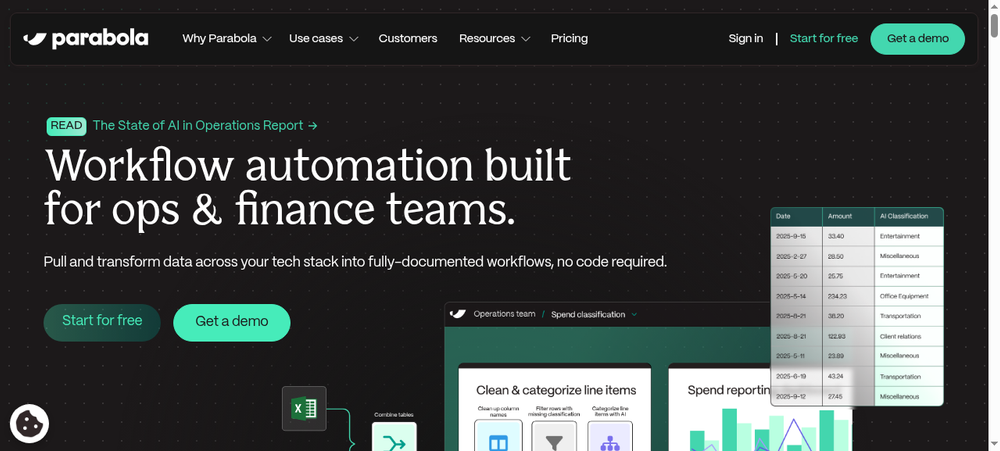
Parabola is not a general automation tool. It is a drag-and-drop data pipeline builder aimed at ops, finance, and e-commerce teams who move data between spreadsheets, APIs, and ERPs.
Key Features
- Drag-and-drop data pipeline builder: connect sources, transform data, output to destinations
- Pulls from CSV/Excel, Google Sheets, APIs, FTP/SFTP, Shopify, Amazon, databases
- AI transformation steps using GPT models for PDFs, emails, and unstructured text
- Natural language instructions to build custom data logic
- Step-by-step transformations: clean, merge, filter, aggregate, enrich
- Scheduling and automatic runs
- No SQL or coding required for most workflows
Pros
- Non-technical ops teams report saving significant hours per week on data transformation tasks that previously required engineers (per Parabola customer case studies)
- Free forever tier with 1,000 credits/month
- AI transformation handles unstructured data (PDFs, emails) without custom code
- 4.9/5 on G2 (51 reviews), the highest G2 score on this list alongside Bardeen
- Build time is non-destructive: credits only consumed during execution
Cons
- Sharp pricing cliff: $20/month for 1 user, $400/month for 3 users (no mid-tier)
- Not a general-purpose connector like Zapier: narrower integration focus
- Loading delays on large workflows
- Capterra rating (4.7/5) based on only 3 reviews: too small a sample to be reliable
Pricing
- Free: $0, 1,000 credits/month, 1 user, unlimited active flows
- Explorer: $20/month, 1,500 credits, 1 user
- Collaborator: $400/month, 30,000 credits, up to 3 users
- Business: custom
User Reviews
Parabola holds 4.9/5 on G2 (51 reviews). Operations and finance teams praise it for enabling non-technical staff to build data pipelines that previously required engineers. Sign up for the free tier at parabola.io.
Best For
Operations, supply chain, finance, and e-commerce teams automating data transformation workflows: moving and reformatting data between spreadsheets, APIs, e-commerce platforms, and ERPs.
8. Pabbly Connect: Best Budget No Code Automation Tool
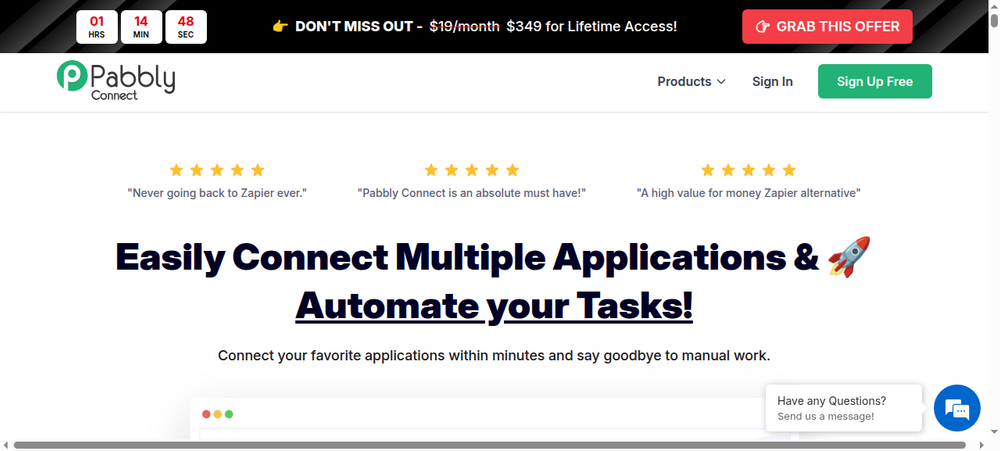
Pabbly Connect has two features that set it apart: internal tasks (filters, routers, formatters) do not count toward your task limit, and lifetime deals let you buy the platform once and never pay again. It is the closest thing to Zapier at a fraction of the price.
Key Features
- 2,000+ app integrations
- Multi-step workflows with conditional routing
- Internal tasks (filters, routers, formatters, iterators, delays) do NOT count toward task limits
- Instant webhook support
- Built-in email marketing tools (Pabbly Email Marketing integration)
- JavaScript and Python modules for custom logic
- Lifetime deal available (one-time purchase, no recurring fee)
Pros
- Internal task exclusion means you get more usable automation runs per dollar than Zapier
- Lifetime deal eliminates recurring SaaS costs entirely
- 2,000+ app integrations at a Zapier-comparable breadth
- 4.5/5 on Capterra (84 reviews)
Cons
- Support is slow: 36+ hour response times, no live chat on any plan
- UI feels dated with 2-4 second loading delays between steps
- No copy/paste of workflow steps between automations
- Lifetime deal holders face awkward upgrade paths when hitting task ceilings
- AI features are add-on, not core to the platform
Pricing
- Free: $0, 100 tasks/month
- Standard: $16/month, 12,000 tasks (lifetime deal: $249, 3,000 tasks/month)
- Pro: $33/month (or $499 lifetime), 24,000 tasks
- Ultimate: $67/month (annual), up to 300,000 tasks (lifetime deal: $699)
User Reviews
Pabbly Connect holds 4.4/5 on G2 (20 reviews, low sample) and 4.5/5 on Capterra (84 reviews). Users consistently highlight the value-for-money, especially the lifetime deal. Slow support is the top complaint. Full pricing and lifetime deal details live at pabbly.com/connect.
Best For
Budget-conscious small businesses and solopreneurs needing reliable workflow automation at the lowest recurring cost. Particularly attractive for teams considering a lifetime deal to eliminate monthly SaaS fees.
No Code vs Low Code vs RPA vs iPaaS
These four categories sound similar but serve different audiences. Knowing which one fits your team saves months of wasted evaluation time.
No-code tools target non-technical users. You build workflows through menus and drag-and-drop. Zapier, Make, IFTTT, and Activepieces all live here.
Low-code automation tools serve developers and power users who need more flexibility. They allow optional scripting for custom logic. n8n at advanced tiers, Retool, and OutSystems fit this bucket.
RPA (robotic process automation) is for IT and enterprise ops teams automating legacy desktop software. These tools mimic human clicks and keystrokes. UiPath, Automation Anywhere, and Microsoft Power Automate lead this space.
iPaaS (integration platform as a service) targets enterprise IT teams handling complex system-to-system integration at scale. MuleSoft, Boomi, and Workato dominate here.
Approach Who it's for Technical skill needed Examples No-code Non-technical users, citizen developers None Zapier, Make, IFTTT, Activepieces Low-code Developers + advanced users Basic scripting n8n (advanced), Retool, OutSystems RPA IT teams, enterprise ops Moderate UiPath, Automation Anywhere, Power Automate iPaaS IT and enterprise integration teams High MuleSoft, Boomi, Workato
For most non-technical teams at SMBs, no-code is the right starting point. You can always graduate to low-code later if your needs grow.
How to Choose the Right No Code Automation Platform
Picking the right no code automation platform comes down to five questions. Answer them honestly and your shortlist narrows to 1-2 tools fast.
1. Do you need the widest possible app coverage? Pick Zapier. At 7,000+ integrations, it covers almost any tool your team touches. If an app has a public API, Zapier probably connects to it. Use this when your stack is diverse or still evolving.
2. Do you run complex multi-branch workflows and want to save on costs? Pick Make. The visual canvas handles parallel paths and iterators that would be painful in Zapier. At $9/month for 5,000 operations, it costs less than half of Zapier at similar volume.
3. Do you need data sovereignty or self-hosting? Pick n8n or Activepieces. Both run on your own server for free. Choose n8n if your team has DevOps skills and wants deep customization. Choose Activepieces if non-technical users will own the workflows day-to-day.
4. Do you need browser-based automation and lead scraping? Pick Bardeen. No other tool on this list runs inside Chrome or scrapes LinkedIn automatically. If your sales team lives in the browser, nothing else comes close.
5. Are you on a tight budget with straightforward integration needs? Pick Pabbly Connect. The monthly Standard plan is $16/month for 12,000 tasks, and a lifetime deal is available for $249 (3,000 tasks/month). Internal tasks don't count toward limits, which stretches your budget further than the raw number suggests.
If your answers conflict, start with Zapier's free tier. Once you map out your no code workflow automation needs, migrating to Make or Activepieces becomes much easier with a clear picture of what you're building.
Common No Code Automation Use Cases for Non-Technical Teams
I see the same workflows repeated across hundreds of SMB teams. Here are the most common automation patterns by department.
Marketing Teams
Marketers automate lead capture from forms into the CRM, cross-posting social content across channels, and email sequences triggered by user behavior. A typical flow: new TypeForm submission triggers a Zap that creates a HubSpot contact, adds them to a Mailchimp list, and sends a Slack alert to the sales team.
Sales Teams
Sales teams run lead enrichment from LinkedIn profiles, CRM sync between tools, and deal stage notifications. Bardeen pulls LinkedIn data into Salesforce in seconds. Make routes new Salesforce deals into deal-specific Slack channels.
HR and People Ops
HR teams automate onboarding task creation in Asana when offers are accepted, PTO request routing through Slack approvals, and employee survey follow-ups. A single Zap can create accounts in Google Workspace, Slack, and your HRIS the moment a new hire is marked active.
Finance and Operations
Finance teams automate invoice routing, approval workflows, and data reporting pulled from multiple sources. Parabola shines here, aggregating Shopify sales, Amazon fees, and bank transactions into a single weekly Google Sheet with no SQL required.
When NOT to Use No Code Automation Tools
No-code tools are not always the right answer. Here are four scenarios where you should reach for code or a different category of platform.
1. High-volume mission-critical systems. If you need sub-second latency and 99.99% uptime for millions of daily events, build it in code with proper observability. No-code platforms typically run on shared infrastructure with 1-5 second delays.
2. Deeply custom logic. When your workflow needs complex state machines, recursive logic, or advanced error handling, code gives you full control. No-code tools force you to work around their abstractions.
3. Regulated workflows requiring full audit trails. SOX, HIPAA, and similar compliance requirements often need enterprise iPaaS with full logging, approval chains, and data lineage. Most no-code tools lack this depth.
4. Real-time database synchronization at scale. Keeping two databases in sync with millisecond accuracy needs change data capture tools like Fivetran or Airbyte, not a no-code automation platform.
Frequently Asked Questions
What is the best no code automation tool?
Zapier is the best overall no code automation tool for most non-technical teams in 2026. It offers 7,000+ integrations (the widest on the market), a gentle learning curve, and AI Copilot that builds workflows from plain-English descriptions. Teams with heavier volume or tighter budgets should consider Make ($9/month for 5,000 operations) or Pabbly Connect (lifetime deals) as strong alternatives.
Are there free no code automation tools?
Yes, several no code automation tools offer genuinely free tiers. Activepieces gives you 10 flows with unlimited runs. Make provides 1,000 operations per month. Zapier starts with 100 tasks per month. IFTTT allows 2 applets free. n8n is completely free when self-hosted on your own server, with unlimited executions and no feature restrictions.
What is the difference between no-code and low-code automation?
No-code tools require zero programming knowledge and build workflows entirely through drag-and-drop UIs. Low-code platforms let non-developers build most of a workflow visually, then allow optional scripting (JavaScript, Python) for advanced logic. n8n is the clearest example: no-code for basic flows, low-code when you drop into its code nodes.
Is Zapier the best no code automation platform?
Zapier is the best no code automation platform for app coverage and learning curve. Its 7,000+ integrations outnumber any rival. That said, it is not the cheapest: teams running high-volume workflows can save 50-70% with Make or Pabbly Connect. Open-source alternatives like n8n and Activepieces also offer free self-hosting for technical teams.
Can no code automation tools handle complex workflows?
Yes, modern no-code tools handle complex multi-branch workflows. Make supports routers, iterators, and parallel paths in a visual canvas. n8n offers conditional nodes, loops, and merge logic. Zapier adds filters, paths, and sub-Zaps. For the most complex flows, pair a no-code tool with webhooks to external services for anything the platform cannot do natively.
What is the best open-source no code automation tool?
Activepieces is the best open-source no code automation tool for non-technical teams. It is MIT-licensed, free to self-host, and built with a drag-and-drop UI simple enough for marketers and ops staff. n8n is the runner-up and better suited for technical teams, developers, and agencies who need deeper customization and code-optional workflows.
Do no code automation tools integrate with ChatGPT and AI?
Yes, most modern no code automation tools now include native AI integrations. Zapier ships with AI Copilot and Zapier Agents. Make has AI Agents inside its visual canvas. n8n offers a native AI agent builder with OpenAI, Anthropic, and Ollama support. Activepieces includes AI agents in its free tier. Bardeen uses AI for web scraping and lead enrichment.
How secure are no code automation platforms?
Enterprise-grade no-code platforms like Zapier and Make hold SOC 2 Type II certification, encrypt credentials at rest, and offer audit logs. For full data sovereignty, self-hosted options like n8n and Activepieces keep every credential and data payload on your own servers. Always review a platform's security page and data residency options before connecting sensitive systems.
What is the difference between no-code automation and RPA?
No-code automation connects apps via APIs, moving structured data between systems in the background. RPA (robotic process automation) mimics human mouse clicks and keyboard input to drive legacy desktop software that lacks APIs. Use no-code for modern SaaS tools and RPA when you must automate old on-premise applications that cannot be integrated any other way.
Can no code automation tools replace developers?
No, but they can eliminate the need for developer involvement in many repetitive tasks. Marketers, sales ops, and finance staff can build workflows that previously needed engineering tickets. Developers remain essential for complex custom logic, high-scale production systems, and regulated workflows. No-code tools free engineers to work on higher-value problems.
Final Verdict: The Best No Code Automation Tool for Your Team
If I had to pick one tool for most teams in 2026, it is Zapier. The breadth of integrations and the AI Copilot cover 90% of use cases with the shortest time to first automation.
Here are my specific recommendations by scenario. Pick Make if you want visual workflows at half the price. Pick n8n if your team is technical and wants full self-hosting. Pick Activepieces if you want a truly free, non-technical-friendly open-source platform. Pick Bardeen if your team lives in Chrome and needs LinkedIn or web scraping. Pick IFTTT for simple smart home or personal automations. Pick Parabola if you move data between spreadsheets, APIs, and ERPs. Pick Pabbly Connect if you want lifetime pricing on a Zapier-like platform.
Most teams should start with a free tier, build 3-5 automations, then pick the paid plan that matches their volume. You can always switch later.
Explore all these tools and hundreds more at automationtools.directory.