
Most AI agent platforms make similar promises. They claim to automate repetitive work, streamline communication, and help teams move faster without adding complexity. On the surface, Lindy AI appears to deliver exactly that. It offers no-code agents for handling email, meetings, and CRM workflows, positioning itself as an all-in-one solution.
But when you look beyond the product page, a different picture begins to emerge.
One Trustpilot reviewer reported using 4,000 credits just to set up four basic tasks. Another described being charged $550 without authorization, in addition to their existing subscription. These experiences are not isolated complaints buried deep in reviews. They point to a broader pattern that shows up repeatedly in user feedback.
According to Trustpilot, Lindy holds a 2.0 out of 5 rating across roughly 30 reviews, with a large majority being one-star. Users frequently mention slow performance, delays that stretch into hours, and limited support when issues arise. At the same time, the platform maintains a 4.9 rating on G2. The contrast between these two sets of reviews is difficult to ignore.
For anyone evaluating tools carefully, that difference raises important questions.
If you are a solo founder trying to avoid unpredictable costs, an operations manager responsible for clear and controlled spending, or a team that depends on reliable workflows, these concerns are worth paying attention to.
With that in mind, I looked beyond surface-level claims.
After reviewing more than 25 AI agent and workflow automation platforms, comparing user feedback across G2, Capterra, and Trustpilot, and verifying pricing and features against official documentation, I narrowed the list down to 10 alternatives to Lindy that offer clearer pricing, stronger reliability, or specific advantages depending on the use case.
The bottom line: If you need a direct replacement for Lindy's AI agent capabilities with better pricing, Relevance AI is the strongest pick, with multi-agent workflows and a credit system that actually makes sense. For proven workflow automation at scale, Make and n8n both outperform Lindy on reliability, and n8n gives you full control with self-hosting. If budget is your top concern, Activepieces offers zero licensing costs as a fully open-source option.
Key Takeaways
- 7 of 10 alternatives offer permanent free tiers (not just trials)
- Pricing ranges from $0 (open-source self-hosted) to $199/month for enterprise tiers
- Two fully open-source options are available: n8n (fair-code) and Activepieces (MIT license)
- Self-hosting is available with n8n and Activepieces for complete data control
- All 10 alternatives support AI-powered workflows with LLM integration
Why Users Are Switching From Lindy AI
Lindy AI has raised $49.9 million in funding and offers a genuinely impressive AI agent builder. But the user complaints tell a story that the marketing doesn't. Here's what's pushing people to look for lindy alternatives.
Pricing Unpredictability and Credit Burnout
Lindy's pricing starts at $49.99/month for the Plus plan, $99.99/month for Pro, and $199.99/month for Max. That sounds straightforward until you realize the credit system underneath is anything but predictable.
Credit consumption varies wildly depending on which AI model your agent uses, ranging from $0.01 to over $0.10 per action. One user on the Lindy community forum described "burning through all my credits in the first 24 hours with no guidance on what tasks take more credits."
The problem gets worse. When your credits run out mid-workflow, Lindy stops working. And according to community posts, there's no straightforward way to upgrade through the normal interface. Your only option is to email support and wait.
On top of the subscription, phone calls cost $0.19/minute and each phone number costs $10/month. These add-on charges catch many users off guard.
Performance and Reliability Issues
A February 2026 Trustpilot review describes the platform as "super laggy," with tasks taking hours without a response. Users report that agents struggle to parse standard emails, can't log into third-party services, and are blocked by many websites due to IP restrictions.
What frustrates users most is that the credit counter keeps running during these failures. Your credits burn even when the agent is "thinking," retrying, or stuck in an error loop.
The G2 vs Trustpilot Rating Gap
Here's a number that should raise questions. Lindy has a 4.9 out of 5 on G2 from 170 reviews. On Trustpilot, it's 2.0 out of 5 from 30 reviews with 70% one-star ratings.
G2 reviews are often solicited by the company and tend to skew positive. Trustpilot captures more unsolicited feedback, and the complaints there center on billing issues, unauthorized charges, and unresponsive support. One user reported being charged $34.99 after deleting their account, describing the support response as "shockingly casual."
In summary: Lindy's AI agent builder has real potential, but the credit system unpredictability, performance issues, and the stark gap between its G2 and Trustpilot ratings suggest the experience doesn't always match the promise. That's why so many users are actively searching for alternatives.
What to Look for in a Lindy Alternative
Not every lindy alternative will fit your needs. Before jumping to the list, here's how I evaluated each platform to help you find the right match.
Here's what matters:
- Transparent pricing: Predictable costs without credit-burning surprises. Look for flat-rate plans or clearly defined usage tiers where you know exactly what you'll pay each month.
- **AI agent capabilities: **Can it build autonomous agents that handle email, meetings, CRM updates, and support tickets? Simple trigger-action automation isn't enough if you're leaving Lindy for its AI agent features.
- **Integration depth: **Check both the number of integrations and their quality. A platform with 8,500 surface-level connections may actually be less useful than one with 400 deep, well-maintained integrations.
- **Reliability and uptime: **Consistent performance without laggy response times or silent failures. Does the platform charge you for failed runs? That's a dealbreaker after Lindy's credit-burning issues.
- **Ease of use: **No-code visual builders versus low-code versus code-required. This determines who on your team can build and maintain workflows independently.
- **Self-hosting option: **For data sovereignty, compliance, or cost control, self-hosted platforms like n8n and Activepieces remove per-execution costs entirely.
- **Predictable scaling: **Your costs should grow in a straight line as your usage grows. Credit-based models can spike unpredictably, while execution-based or flat-rate models let you budget with confidence.
10 Best Lindy Alternatives (Ranked)
I ranked these Lindy alternatives based on how well they solve the specific problems that drive users away from Lindy: pricing transparency, reliability, AI agent capabilities, and overall value.
1. Relevance AI: Best for AI Agent Building
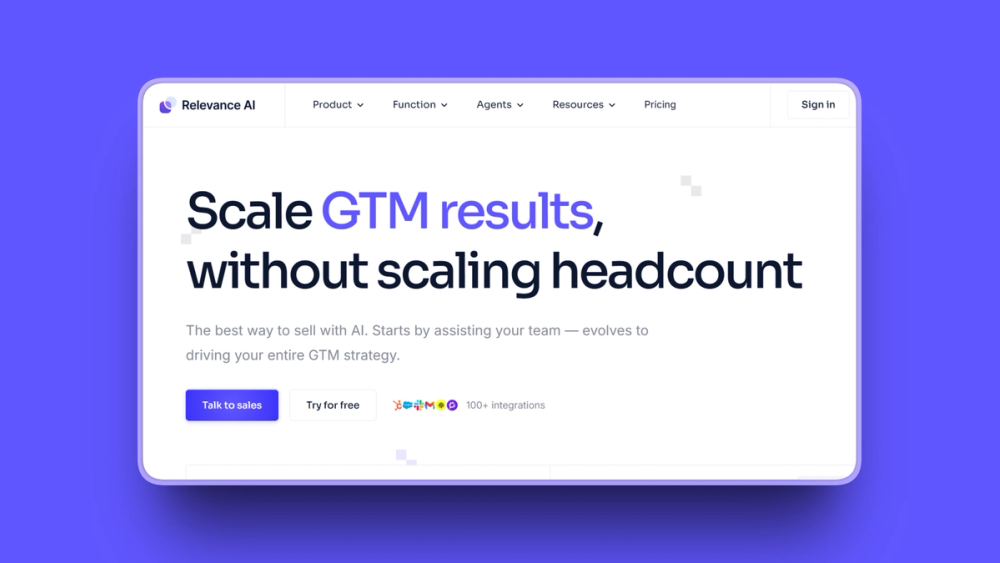
Relevance AI is the closest direct replacement for Lindy's core value proposition: building no-code AI agents that work like team members. What separates it from Lindy is a transparent pricing model that splits costs into Actions (what agents do) and Vendor Credits (actual LLM costs passed through without markup).
The platform raised $24 million in a Series B led by Bessemer Venture Partners in May 2025, so it has the funding runway to keep growing.
Key Features
- Multi-agent "Workforce" system where agents collaborate and hand off tasks to each other
- "Invent" feature that generates a working agent from a plain English description
- 9,000+ integrations including HubSpot, Salesforce, Slack, and Gmail
- Bring-your-own API keys for OpenAI, Anthropic, and Cohere to eliminate AI cost markup
- Knowledge base with document upload so agents learn from your data
- Scheduled runs and automated triggers for hands-off operation
- SOC 2 Type 2 and GDPR certified for enterprise compliance
Pros
- Multi-agent "Workforce" canvas lets non-technical users build specialized agent teams visually
- No markup on LLM costs when you bring your own API key
- "Invent" creates working agents from plain English, reducing setup time significantly
- Custom Python code support for advanced users who need deeper customization
- Pre-built agents for sales and go-to-market workflows save setup time
- Microsoft Teams integration (2026) makes agents accessible directly in team channels
- Enterprise-grade security out of the box
Cons
- Pro plan's 2,500 actions/month may not be enough for complex, high-volume workflows
- Learning curve for advanced configurations; error feedback could be more detailed
- Some users on G2 report vendor credit consumption is hard to predict for LLM-heavy tasks
- The UI can feel busy and visually inconsistent in places
Pricing
- Free: $0/month, 200 actions/month, 1 user
- Pro: $19/month (annual billing), 2,500 actions/month, 2 build users, BYO LLM keys
- Team: $234/month (annual billing), 7,000 actions/month, 5 build users, 45 end users, A/B testing
- Enterprise: Custom pricing, unlimited users and projects, dedicated account manager
User Reviews
Relevance AI holds a 4.3 out of 5 on G2. Users consistently praise the "Workforce" canvas as uniquely intuitive for building complex agent pipelines without coding.
Best For
- Operations teams building multi-agent AI workflows for internal processes
- Sales and GTM teams automating lead enrichment, CRM updates, and outreach
- Organizations that want to bring their own LLM API keys to control costs
2. n8n: Best for Technical Teams
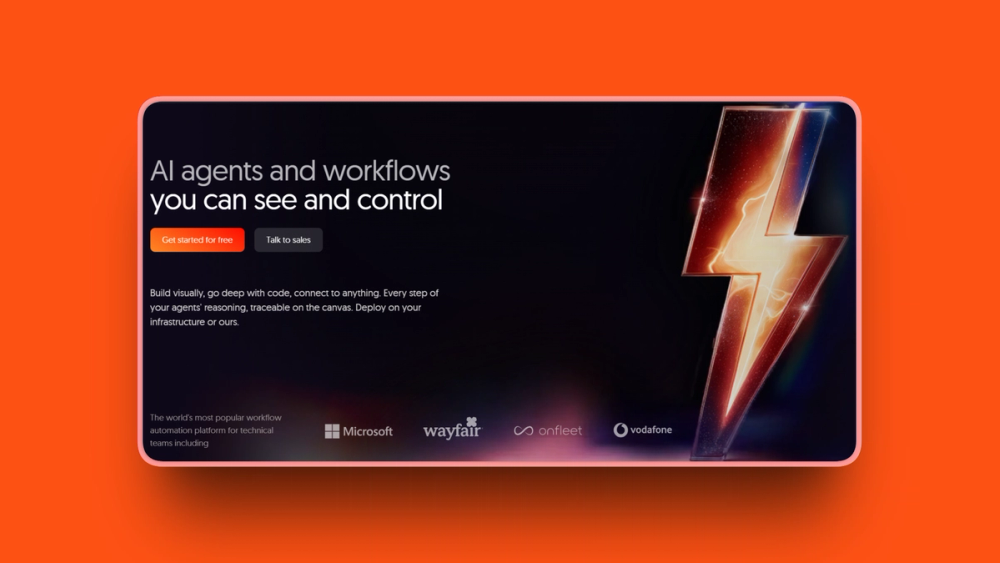
n8n is an open-source workflow automation platform that gives technical teams something Lindy can't: complete control. You can self-host it for free with unlimited executions, or use their cloud version starting at EUR 24/month. Either way, n8n charges per workflow execution, not per step, so a 10-step workflow counts as one execution instead of ten.
The company hit a $2.5 billion valuation after its October 2025 Series C, and its revenue exceeds $40 million annually.
Key Features
- Built-in AI agent builder with memory, tools, and guardrails for reasoning workflows
- 70+ AI nodes covering LLMs, embeddings, vector databases, speech, OCR, and image models
- Multi-model support for OpenAI, Anthropic, Google Gemini, Azure OpenAI, and Ollama (local models)
- MCP Client Node (November 2025) for connecting to any Model Context Protocol server
- Human-in-the-loop controls (January 2026) requiring human approval before agents execute specific tools
- Custom JavaScript or Python code in any workflow step
- Full self-hosting with Docker for complete data sovereignty
Pros
- Per-execution billing (not per-step) makes complex workflows dramatically cheaper than Zapier or Lindy
- Self-hosted Community Edition is completely free with unlimited executions
- Code flexibility lets developers customize beyond what any visual builder allows
- 400+ integrations with the ability to create custom nodes
- Full data sovereignty when self-hosted; no credentials sent to third parties
- MCP client node connects to any AI tool server, future-proofing your setup
- Human-in-the-loop controls add oversight to AI workflows in production
Cons
- Steeper learning curve than Zapier or Make; some users describe setup as "labyrinthine"
- Self-hosting requires Docker and server management expertise
- Enterprise features like SSO and Git integration are paywalled even for self-hosters
- Documentation can be vague, and debugging complex workflows is challenging
- Performance can slow down with very data-heavy workflows
Pricing
- Community (self-hosted): Free, unlimited executions, unlimited workflows
- Starter (cloud): EUR 24/month (~$26 USD), 2,500 executions/month, 5 concurrent workflows
- Pro (cloud): EUR 60/month (~$65 USD), 10,000 executions/month, 20 concurrent workflows
- Business (self-hosted): EUR 800/month (~$870 USD), 40,000 executions/month, SSO/SAML, Git integration
- Enterprise: Custom pricing
Note: n8n prices in euros. USD equivalents are approximate.
Self-hosted infrastructure typically costs $20 to $150/month depending on your provider.
User Reviews
n8n holds a 4.8 out of 5 on G2. Users describe it as "the best of both visual and technical worlds" and "the most capable automation platform," even if it's not the prettiest.
Best For
- Developer teams who want code flexibility alongside visual workflow building
- Companies with data sovereignty requirements that need self-hosting
- High-volume automation users where per-task billing on other platforms would be cost-prohibitive
3. Make: Best Visual Workflow Builder
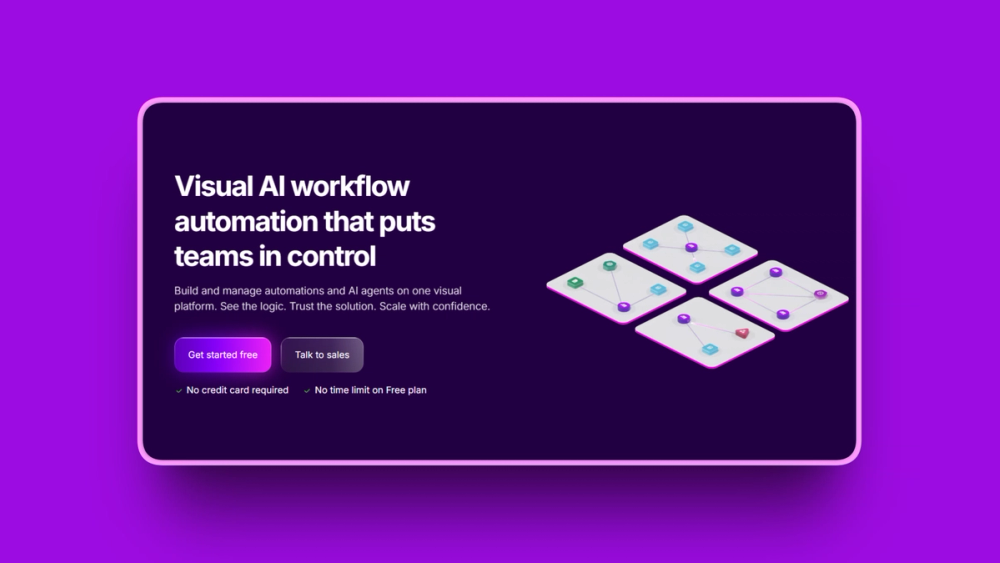
Make (formerly Integromat) is a visual automation platform that makes complex workflows genuinely understandable at a glance. Its drag-and-drop scenario builder shows exactly how data flows between steps, with routers, filters, iterators, and error handlers built right in. New users typically get their first working automation running in under 20 minutes.
Make starts at $9/month, which is a fraction of Lindy's $49.99 starting price.
Key Features
- Visual scenario builder with drag-and-drop modules showing clear data flow
- Advanced logic including routers (branching), filters (conditions), iterators, and aggregators
- 3,000+ app integrations covering most business tool stacks
- AI workflow orchestration with OpenAI and Anthropic model connections
- Real-time data processing with execution history for debugging
- SOC 2 and GDPR compliance with 99.5% uptime guarantee (Enterprise SLA)
- 300+ API endpoints on paid plans for custom connections
Pros
- Visual builder is genuinely intuitive; most users create a working automation within 20 minutes
- Starts at $9/month, significantly cheaper than Lindy's $49.99/month
- Free plan includes 1,000 credits/month with a generous reset cycle
- Credit-based billing is clearer and more predictable than Lindy's system
- Advanced logic handles complex branching without writing any code
- Strong error handling prevents workflows from failing silently
- Largest review base among visual builders with 406 Capterra reviews
Cons
- Steeper learning curve than Zapier; routers and iterators take time to understand
- High-volume workflows with thousands of records can get expensive under credit-based pricing
- Less AI-native than Lindy or Relevance AI; AI features feel like add-ons rather than the core
- Customer support quality varies; some users report slow responses
- Cloud-only with no self-hosting option
Pricing
- Free: $0/month, 1,000 credits/month
- Make Plan: Starting at $9/month (annual), 5,000 credits/month, unlimited active scenarios
- Scales by credits: $9/month (5K credits) up to $880.86/month (1M credits) on annual billing
- Enterprise: Custom pricing, 24/7 support, custom functions, overage protection
Annual billing saves 15% or more compared to monthly.
User Reviews
Make holds a 4.6 out of 5 on G2 and 4.8 out of 5 on Capterra. Users consistently praise the visual scenario builder for making complex workflows easy to understand and debug.
Best For
- Small to mid-sized businesses wanting affordable visual automation
- Teams that outgrew Zapier's pricing and want more power for less
- Users who need complex conditional logic and branching without writing code
4. Zapier: Best for Non-Technical Teams
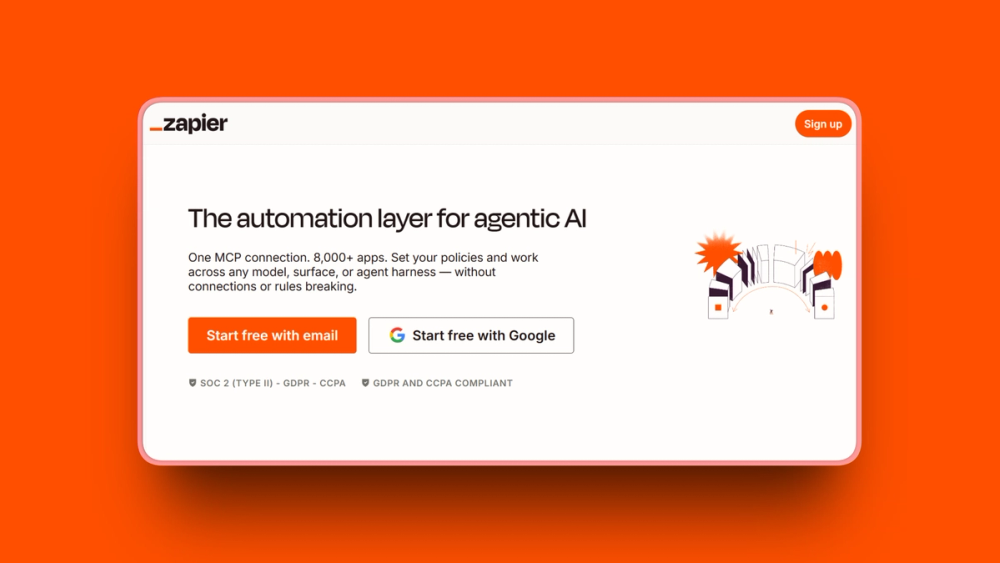
Zapier is the most widely-used automation platform in the world, with 3 million+ users and 8,500+ app integrations. If an app exists, Zapier probably connects to it. The company added AI Agents, a Copilot assistant, and MCP support in 2025, making it a more capable Lindy alternative than it was a year ago.
With a $5 billion valuation and $310 million in 2024 revenue, Zapier isn't going anywhere.
Key Features
- 8,500+ app integrations, the largest ecosystem of any automation platform
- Zapier Agents for conversational AI interactions and complex multi-turn decision-making
- Copilot assistant that builds Zaps, generates code steps, and troubleshoots errors using AI
- Zapier MCP for model context protocol integration with AI tools
- AI by Zapier adds AI-powered steps to workflows without a separate OpenAI account
- Natural language Zap creation where you describe what you want in plain English
- Tables and Forms for native data storage and collection at no extra cost
Pros
- Largest integration library (8,500+ apps) means you'll rarely hit an integration gap
- Most beginner-friendly; your first Zap takes about 3 minutes to set up
- 99.9%+ uptime reliability in production environments
- Tables, Forms, MCP, and Copilot included on all plans without add-on fees
- Zapier Agents handle multi-turn conversations beyond simple trigger-action workflows
- Natural language workflow creation makes setup accessible to anyone
- Proven enterprise platform with a $5 billion valuation and major clients
Cons
- Per-task billing gets expensive fast; 10,000 tasks/month costs roughly $600/month
- Free plan's 100 tasks/month is too limited for real automation
- A 5-step Zap running 10 times daily burns 1,500 tasks/month, double the Starter allowance
- Not HIPAA compliant, so healthcare applications are excluded
- Limited customization for code-intensive workflows
- Cloud-only; all data flows through Zapier's servers
Pricing
- Free: $0/month, 100 tasks/month, 2-step Zaps, Tables, Forms, and MCP included
- Professional: $19.99/month (annual), 750 tasks/month
- Team: $69/month (annual), 2,000 tasks/month, 25 users, SAML SSO
- Enterprise: Custom pricing, 50,000+ tasks, contractual SLA
Each action step in a Zap counts as one task. The trigger step does not count.
User Reviews
Zapier holds a 4.5 out of 5 on G2 from 1,754 reviews, giving it the largest review base of any platform on this list. Users consistently cite the breadth of integrations and speed of setup as the top reasons they choose Zapier.
Best For
- Non-technical users who need quick, simple automation setup
- Small businesses relying on many popular SaaS tools that all need to talk to each other
- Teams that value integration breadth and ecosystem maturity over raw AI capabilities
5. Gumloop: Best for AI-Native Workflows
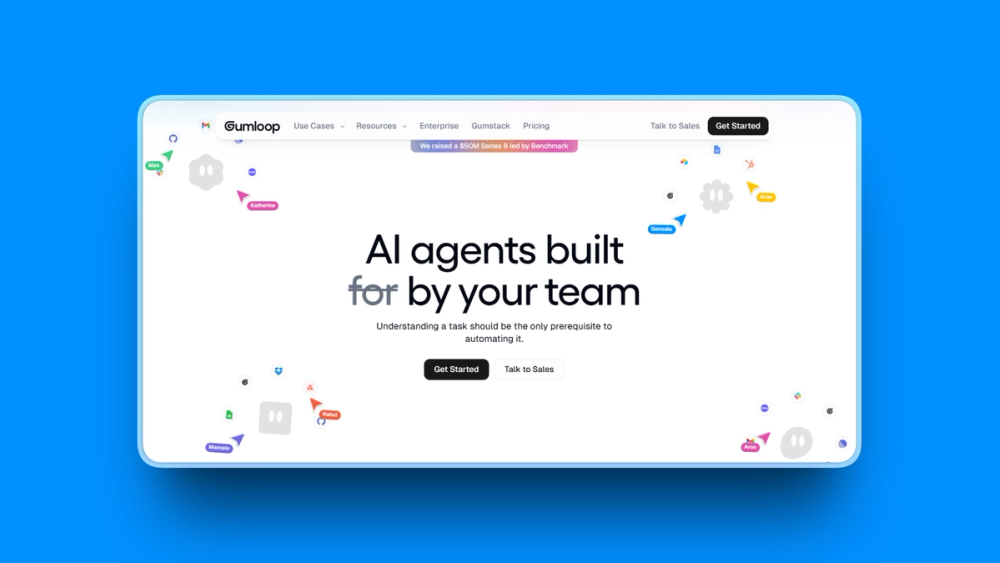
Gumloop was built from the ground up for AI-powered workflows, not retrofitted from a traditional automation platform. Its visual node-based canvas lets you build multi-agent workflows where AI does the reasoning, not just the execution. That means agents can adapt and make decisions within your workflows, rather than following rigid if-then rules.
Gumloop raised $50 million in a Series B from Benchmark in March 2026, with enterprise clients including Shopify, Instacart, and Ramp.
Key Features
- AI-native workflow nodes with built-in reasoning and decision-making
- Gummie meta-agent that generates complete workflows from plain English descriptions
- 100+ pre-built nodes including AI models (GPT-4.1, Claude), web scraping, CRM, and spreadsheets
- Visual node-based canvas for building and debugging multi-agent pipelines
- Gumstack security platform for monitoring AI agent data usage across organizations
- Scheduled agent tasks, skills integrations, and event triggers
- Enterprise-grade controls with RBAC, SCIM/SAML, and audit logs
Pros
- AI-native design means agents reason and adapt rather than just follow fixed steps
- Gummie meta-agent generates workflows from plain English, similar to Lindy but more visual
- $50 million Series B (March 2026) signals strong enterprise adoption and longevity
- Gumstack security platform addresses enterprise AI governance, which most competitors lack
- Free plan includes 5,000 credits/month, more generous than many alternatives
- Visual canvas makes complex multi-agent pipelines visible and easy to debug
- Enterprise clients like Instacart (1,000+ internal users) and Shopify validate production readiness
Cons
- Credit-based pricing can get expensive for large batch processing or frequent runs
- Higher learning curve than simpler tools; requires "thinking in logic and systems"
- Initial setup can trigger choice paralysis with many node options available
- Execution times for long, complex flows can be slow
- Smaller integration library than Zapier or Make
- Relatively new platform (founded 2023); less proven than mature alternatives
Pricing
- Free: $0/month, 5,000 credits/month, 1 seat, unlimited agents and flows
- Pro: $37/month (annual billing), 20,000+ credits/month, unlimited seats, usage analytics
- Enterprise: Custom pricing, RBAC, SCIM/SAML, audit logs, virtual private cloud
Standard AI calls use 2 credits each. Advanced AI calls using GPT-4.1 or Claude Sonnet 3.7 cost 20 credits each. Annual billing saves 20%.
User Reviews
Gumloop holds a 4.8 out of 5 on G2 and 5 out of 5 on Product Hunt. Users praise the AI-native workflow reasoning and the visual canvas for making complex multi-agent pipelines understandable to non-developers.
Best For
- Tech-savvy non-developers who want AI at the center of their automation (not as an add-on)
- Teams building complex multi-agent workflows with branching logic
- Organizations that need enterprise AI governance and monitoring through Gumstack
6. Activepieces: Best Free Open-Source Alternative
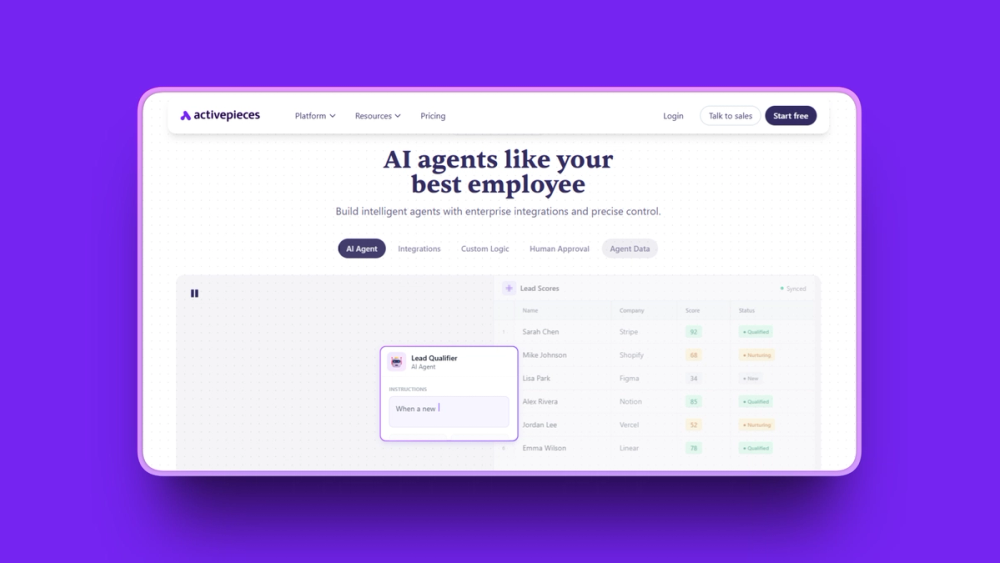
Activepieces is the most accessible open-source automation platform available. It runs under an MIT license, meaning there are zero licensing restrictions. You can self-host it for free with unlimited tasks, or use their cloud version starting at $0/month. For anyone burned by Lindy's unpredictable credit system, "unlimited tasks" sounds like a breath of fresh air.
The platform came out of Y Combinator (Summer 2022) and has built a strong community around its TypeScript-based piece framework, with 60% of integrations contributed by the community.
Key Features
- 450+ pre-built integrations with new ones added weekly by the community
- AI agents that understand context, make decisions, and adapt to changing conditions
- Largest open-source MCP toolkit with roughly 400 MCP servers
- TypeScript Pieces framework for building custom integrations (60% community-contributed)
- Full self-hosting with Docker for complete data sovereignty at zero cost
- Unlimited tasks on Plus and Business cloud plans (no usage caps)
- GPT-5 model support added in 2026
Pros
- Open source (MIT license) means no vendor lock-in and fully auditable code
- Self-hosted Community Edition is completely free with unlimited executions
- Plus plan at $25/month offers unlimited tasks, eliminating usage anxiety
- Largest open-source MCP toolkit (400 servers) for AI agent tool integration
- Community-driven development means niche integrations are often covered
- According to G2 data, Activepieces scores higher than n8n for ease of setup (9.1 vs 7.9)
- Development team is highly responsive; new features sometimes ship within days of user requests
Cons
- Integration library is smaller than Zapier (450 vs 8,500) or Make (3,000)
- Performance can be slower than n8n in high-concurrency scenarios based on user reports
- Documentation quality could be better; beginners sometimes struggle
- Self-hosting still requires Docker and server management knowledge
- Some early supporters feel that pricing promises changed when the business model evolved
- Fewer enterprise case studies than more established platforms
Pricing
- Free (cloud): $0/month, 1,000 tasks/month, 2 active flows, 200 AI credits
- Plus (cloud): $25/month, unlimited tasks, 10 active flows, 500 AI credits
- Business (cloud): $150/month, 50 active flows, 1,000 AI credits, 5+ users
- Enterprise (cloud): Custom pricing, SSO, audit logs, custom roles
- Community Edition (self-hosted): Free, unlimited tasks, unlimited flows, no execution limits
User Reviews
Activepieces holds a 4.8 out of 5 on G2. Users highlight the combination of unlimited tasks on cloud plans and the free, unlimited self-hosted option as the primary reason they chose Activepieces over alternatives.
Best For
- Privacy-focused teams and organizations with data sovereignty requirements
- Budget-conscious teams that want unlimited tasks without usage anxiety
- Developers who value open-source customization and community-driven development
7. CrewAI: Best for Enterprise Multi-Agent Orchestration
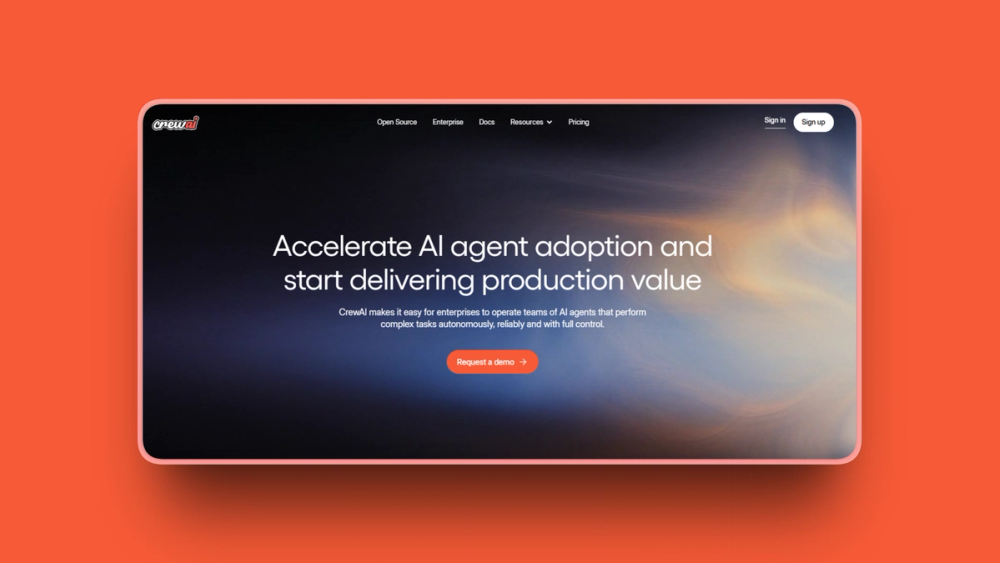
CrewAI takes a fundamentally different approach to AI agents. Instead of building single agents that follow instructions, you build "crews" of agents that collaborate like human teams. Each agent gets a role, goals, and even a backstory to improve its performance on specialized tasks. It's the most sophisticated multi-agent orchestration platform on this list.
With 45,900+ GitHub stars and a partnership with Andrew Ng's AI course, CrewAI has serious developer credibility.
Key Features
- Dual architecture combining "Crews" (autonomous agent teams) and "Flows" (event-driven enterprise workflows)
- Role-based agent design where each agent has defined roles, goals, and backstories
- CrewAI Studio for no-code crew building with tools like Gmail, Teams, HubSpot, and Salesforce
- 2 to 3x faster execution than comparable multi-agent frameworks in benchmarks
- Real-time tracing and observability for monitoring all agent actions
- Enterprise connectors for CRM, finance, HR, and marketing platforms
- Open-source Python framework on PyPI for full customization
Pros
- Role-based agent design mimics human team structures, improving performance on complex tasks
- 45,900+ GitHub stars indicate massive developer community adoption
- Andrew Ng AI course partnership validates the platform's enterprise legitimacy
- Dedicated VPC deployment and SSO/SAML options serve regulated industries
- Open-source Python framework allows customization beyond what the studio UI offers
- Claims significantly faster execution than comparable multi-agent frameworks in benchmarks
- Global offices in Seoul and Madrid for enterprise support coverage
Cons
- Requires Python knowledge for framework usage; the no-code studio has limitations at depth
- Professional plan's 100 executions/month is extremely limited for serious use
- Enterprise pricing requires a sales call with no published numbers
- Very limited public reviews (3 on G2) make independent due diligence difficult
- Smaller ecosystem and fewer native integrations than Lindy or Zapier
- Overkill for simple automation needs; this is purpose-built for complex orchestration
Pricing
- Basic (free): $0/month, 50 executions/month, 1 seat, visual editor, AI copilot
- Professional: $25/month, 100 included executions, unlimited max executions at $0.50 each, 2 seats
- Enterprise: Custom pricing, up to 30,000 included executions, unlimited seats, SSO, RBAC, self-hosted option
User Reviews
CrewAI holds a 4.5 out of 5 on G2. While the G2 sample is small, developer community feedback consistently praises the role-based agent design for "increasing agent performance significantly" on complex tasks requiring specialization.
Best For
- Enterprise software teams building production multi-agent systems
- Organizations in regulated industries requiring dedicated VPC and SSO/SAML
- Python-comfortable technical teams automating complex cross-department workflows (HR, finance, sales)
8. Relay.app: Best for Human-in-the-Loop Automation
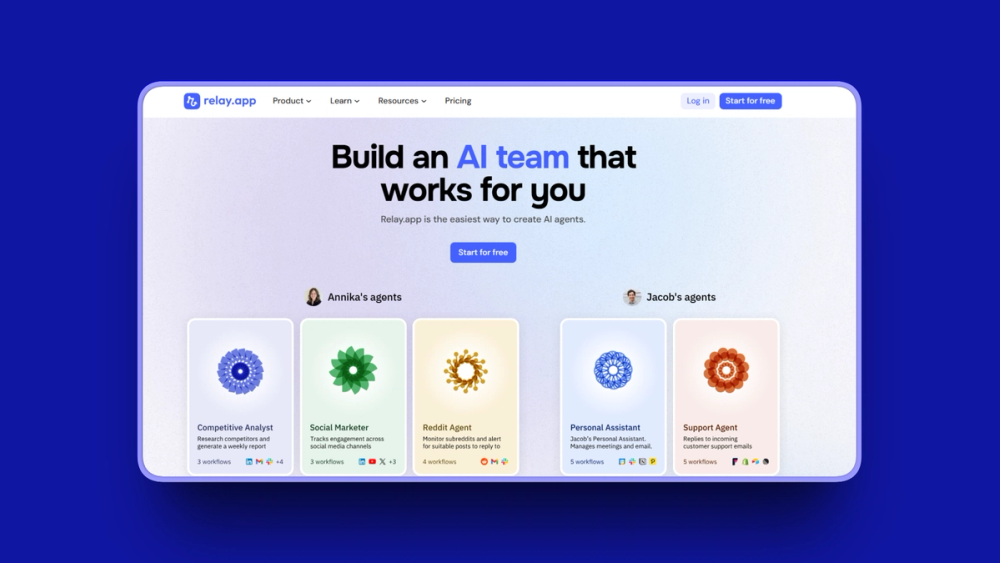
Relay.app solves a problem that most automation platforms ignore: what happens when you need a human to approve or review something before the workflow continues? Every Relay.app plan, including the free tier, includes human-in-the-loop functionality. You can insert approval checkpoints anywhere in a workflow, set due dates for those approvals, and configure escalation behaviors if deadlines pass.
No other platform on this list makes human oversight this accessible at every pricing level.
Key Features
- Human-in-the-loop approval steps insertable at any point in any workflow
- HITL due dates with escalation behaviors for compliance-sensitive processes
- AI agent builder for automating data extraction, summarization, and contextual decisions
- Multi-model AI support including GPT, Claude, and Gemini without separate API subscriptions
- 100+ app integrations (Google Workspace, Slack, Notion, HubSpot, Airtable, WhatsApp, Stripe)
- Native Tables (November 2025) for storing and querying data directly inside workflows
- MCP support (July 2025) for creating custom and connecting to external MCP servers
Pros
- Human-in-the-loop included at no extra cost on all plans, including free (unique in the market)
- Development team is "unrealistically fast" at fixing bugs, often within hours of reports
- 100% uptime record over recent 90-day monitoring windows
- Multi-model AI (GPT, Claude, Gemini) included without separate API subscriptions needed
- HITL due dates and escalation behaviors support compliance-sensitive workflows
- Lowest starting price for HITL-capable automation at $19/month
- Native Tables add data management directly inside workflows
Cons
- Limited integrations (100+) compared to Zapier (8,500+) or Make (3,000+)
- No version control for workflows
- Can't duplicate or export/import workflows between accounts, which limits consultants
- Debugging at high volume (20,000+ runs/month) is difficult with limited search and sort
- Professional plan's 750 steps/month is low for heavy automation users
- Scaling workflows across large teams (25+) has friction
Pricing
- Free: $0/month, 1 user, 200 steps/month, 500 AI credits/month
- Professional: $19/month (annual), 750 steps/month, 2,000 AI credits/month
- Team: $69/month (annual), 10 users, 2,000 steps/month, shared workflows
- Enterprise: Custom pricing, custom usage limits, priority support, SOC2 and GDPR
Additional AI credit packages range from $11/month (5,000 credits) to $450/month (200,000 credits) on annual billing.
User Reviews
Relay.app holds a 4.9 out of 5 on G2. Users describe the human-in-the-loop functionality as "uniquely powerful when relying on AI in high-stakes automations."
Best For
- Operations, support, sales, and finance teams needing automation with compliance checkpoints
- Mid-sized SaaS companies managing client onboarding workflows
- Teams where AI outputs must be reviewed by a human before any final action is taken
9. MindPal: Best for Monetizing AI Agents
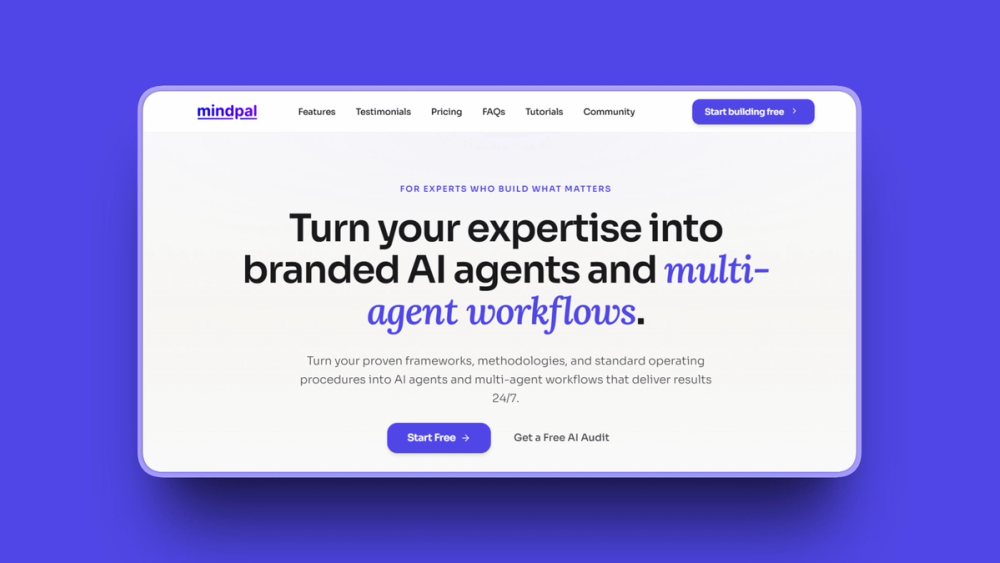
MindPal does something none of the other lindy alternatives on this list do: it lets you package AI agents into branded products and sell access to clients. Coaches, consultants, course creators, and agency owners can build AI workflows, train them on proprietary knowledge, and deploy them as chatbots, branded hubs, or embedded tools with a built-in paywall.
The platform serves 50,000+ businesses and was the first no-code platform to support MCP server integration.
Key Features
- Multi-agent workflows that chain multiple AI agents for complex, multi-step deliverables
- AI Hub Builder for creating branded hubs of AI tools with user authentication, usage tracking, and paywall
- Knowledge training from PDFs, DOCX files, website URLs, Google Docs, and Notion databases
- One-click chatbot publishing for deploying agents as embeddable chatbots
- MCP support for plugging in MCP servers via URL (Google Drive, Slack, databases)
- Multiple AI model support including GPT-4o, Claude 3 Opus, Llama 3, and Gemini 1.5 Pro
- Built-in paywall for selling AI agent access directly to clients
Pros
- AI Hub Builder lets coaches and consultants package expertise into sellable AI products
- Built-in paywall for monetizing AI agent access is unique among lindy alternatives
- First no-code platform to support MCP for connecting agents to external tools
- Agents can be published as chatbots or embedded tools without additional development
- Knowledge training from multiple source types gives agents context-specific intelligence
- Unlimited agent creation on all plans
- 14-day satisfaction guarantee reduces trial risk
Cons
- G2 rating is 3.9 out of 5 (from 7 reviews), the lowest rated among the 10 alternatives on this list
- Storage limits feel restrictive on some plans (5GB on Pro)
- Credit system has similar unpredictability issues to Lindy for heavy users
- Limited integrations compared to Zapier or Make
- Newer platform (2023) with fewer enterprise case studies
Pricing
- Free: $0/month, 100 AI credits/month
- Pro: $39/month (annual) or $49/month (monthly), 6,000 AI credits/month, 5GB storage
- Advanced: $149/month (annual) or $179/month (monthly), 30,000 AI credits/month, 25GB storage
- Business/Ultra: $374/month (annual) or $449/month (monthly), 120,000 AI credits/month, 100GB storage
Extra credits cost $9 per 1,000 and never expire.
User Reviews
MindPal holds a 4.5 out of 5 on Product Hunt. Users highlight the ability to monetize AI agents through the built-in paywall as MindPal's unique differentiator.
Best For
- Coaches, consultants, and course creators who want to package expertise into AI products
- Agency owners building and selling AI assistants trained on client-specific knowledge
- Small businesses creating customer-facing AI chatbots without developer resources
10. Integrately: Best Budget-Friendly Automation
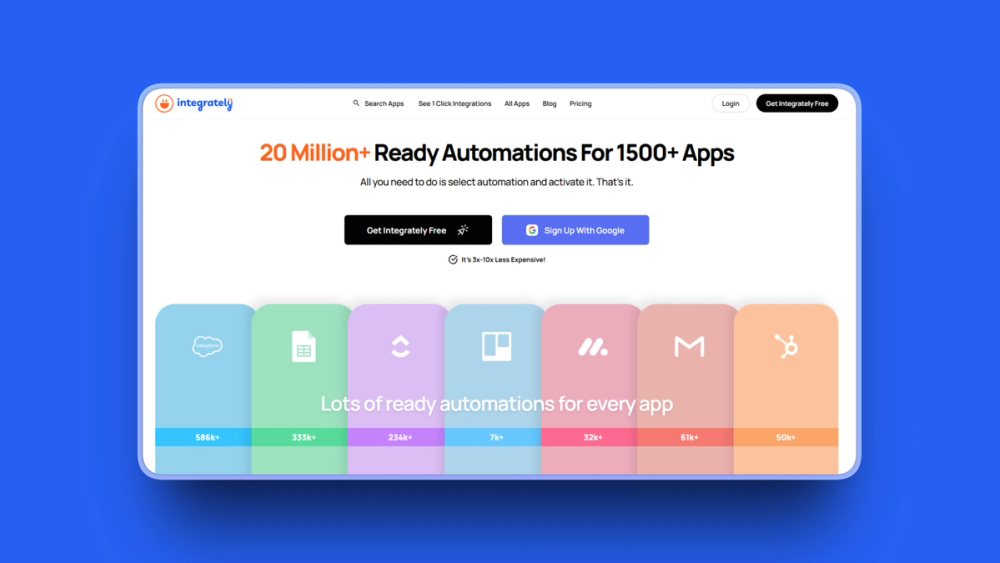
Integrately is the most straightforward option on this list. It has over 20 million pre-built one-click automations across 1,500+ apps. You pick two apps, choose what you want them to do, and click to activate. No workflow building required for common use cases.
For small businesses that just need apps talking to each other without complexity, Integrately delivers that at the lowest price point.
Key Features
- 20 million+ pre-built one-click automations for common app pairs
- SmartConnect that automatically detects and connects your apps, reducing manual setup
- Multiple routes for executing different actions based on conditions (branching)
- 1,500+ app integrations covering CRMs, marketing tools, e-commerce, and project management
- 24x5 live chat support on all plans including free
- Real-time data sync between connected apps
- Webhooks, branching logic, and auto-retry for more advanced use cases
Pros
- Lowest starting price at $19.99/month with 2,000 tasks for basic automation
- 20 million+ pre-built automations let you set up common workflows with one click
- 24x5 live chat support even on the free plan (a stark contrast to Lindy's support issues)
- According to G2, 94% user satisfaction rating based on 705+ reviews
- SmartConnect reduces configuration time for standard app connections
- Annual plans include free automation setup assistance
- No coding required for the vast majority of use cases
Cons
- Internal logic steps count as tasks, which can effectively halve your task count compared to competitors
- Limited advanced customization versus Make or n8n for complex branching
- Integration quality varies; niche apps may lack depth
- Not built for AI-agent workflows; this is traditional trigger-action automation
- Limited support for custom API integrations
Pricing
- Free: $0/month, 100 tasks/month, 5 automations, 24x5 live chat
- Starter: $19.99/month (annual), 2,000 tasks/month, 20 automations, 3 premium apps
- Professional: $39/month (annual), 10,000 tasks/month, unlimited automations
- Growth: $99/month (annual), 30,000 tasks/month, team features, dedicated account manager
- Business: $239/month (annual), 150,000 tasks/month, unlimited users
Annual billing saves up to 33%.
User Reviews
Integrately holds a 4.7 out of 5 on G2. Users praise the one-click automations and live chat support as the top reasons they chose Integrately over more complex alternatives.
Best For
- Small businesses and solopreneurs needing affordable automation between popular apps
- Non-technical users who want pre-built automations that work immediately without setup
- Teams switching from Zapier who want similar functionality at a lower price point
Lindy Alternatives Comparison Table
Here's a side-by-side view of all 10 lindy alternatives. Pricing details are covered in each tool's individual section above.
How to Choose the Right Lindy Alternative
With 10 options on the table, picking the right one comes down to four questions. Here's how to narrow it down.
By Use Case
- Building AI agents (closest to Lindy's core): Relevance AI, CrewAI, or Gumloop
- General workflow automation: Make, Zapier, or n8n
- Email and inbox automation: Relevance AI, Zapier, or n8n
- Meeting notes and scheduling: Zapier (with Fathom/Otter integrations) or Make
- Customer support agents: Relevance AI, CrewAI, or MindPal
- Selling AI agents to clients: MindPal or CrewAI
By Budget
- $0 (open-source self-hosted): n8n Community Edition or Activepieces Community Edition
- Under $20/month: Make ($9), Relevance AI ($19), Relay.app ($19), Integrately ($19.99)
- $20 to $50/month: n8n cloud (EUR 24), Activepieces Plus ($25), CrewAI Professional ($25), Gumloop ($37), MindPal Pro ($39)
- $50 to $100/month: Zapier Team ($69), Relay.app Team ($69)
- $100+/month: Enterprise tiers for all platforms
By Technical Skill Level
- No-code beginners: Zapier, Integrately, or Relay.app
- Comfortable with visual builders: Make, Gumloop, Relevance AI, or MindPal
- Developer and technical teams: n8n, Activepieces, or CrewAI
By Team Size
- Solo founders and freelancers: MindPal, Relay.app Professional, or n8n (self-hosted free)
- Small teams (2 to 10): Make, Zapier, Activepieces Plus, or Relay.app Team
- Growing teams (10 to 50): Relevance AI Team, Gumloop Pro, or Relay.app Team
- Enterprise (50+): CrewAI Enterprise, n8n Business, Relevance AI Enterprise, or Zapier Enterprise
Key point: There's no single "best" lindy alternative. The right choice depends on whether you need AI agent building (Relevance AI), workflow automation (Make or n8n), human oversight (Relay.app), or the cheapest path to automation (Activepieces or Integrately). Match your pick to your actual use case, budget, and team's technical comfort level.
How to Switch From Lindy
If you've decided to move on from Lindy, here's how to make the transition smooth.
**Before you cancel, export everything: **Download your workflow configurations, agent prompts, and any data stored in Lindy. There's no universal export tool, so screenshot your agent setups and copy your custom prompts manually.
**Test your new platform on a free tier first: **Most alternatives on this list offer free plans or trials. Rebuild your most critical workflow on the new platform before canceling Lindy. Make sure it handles your specific use case, whether that's email triage, meeting notes, or CRM updates.
**Monitor your billing after cancellation: **Given the Trustpilot reports of post-cancellation charges, keep an eye on your credit card statements for at least two months after canceling. Save confirmation emails and take screenshots of your cancellation.
**Give yourself overlap time: **Run both platforms for at least a week. This catches edge cases your main workflow didn't cover and gives you a safety net if anything breaks during the switch.
Final Recommendation
If I had to pick one tool from this list, I'd go with Relevance AI as the best overall Lindy alternative. It's the closest functional match to what Lindy does, with multi-agent workflows, a no-code builder, and the bring-your-own-API-key model that gives you real control over AI costs. The pricing is transparent, and the $19/month Pro plan is less than half of Lindy's $49.99 entry point.
But "best overall" doesn't mean "best for you." Here's how I'd break it down by situation:
- Best for technical teams who want maximum control: n8n. Self-host for free, write custom code, and pay per execution instead of per step.
- Best for non-technical teams who need it working today: Zapier. Nothing matches its 8,500+ integrations and 3-minute setup time.
- Best visual builder on a budget: Make at $9/month. Hard to beat for the price.
- Best free option: Activepieces (self-hosted). MIT license, unlimited tasks, zero cost.
- Best for enterprise multi-agent systems: CrewAI. Role-based agent crews with dedicated VPC and real-time tracing.
- Best when humans need to stay in the loop: Relay.app. HITL on every plan, including free.
- Best for monetizing AI: MindPal. Built-in paywall and branded deployment.
In summary: Don't let another platform's opaque credit system surprise you. Every tool on this list offers more pricing transparency than Lindy. Pick the one that matches your use case, start with the free tier, and scale up only when you've confirmed it works for your workflows.
Frequently Asked Questions
What is the best alternative to Lindy AI?
Relevance AI is the best direct alternative for AI agent building, with multi-agent workflows and transparent pricing starting at $19/month. For general workflow automation, Zapier or Make are more mature and widely used. If you need human approval steps in AI workflows, Relay.app is uniquely strong. The "best" depends on whether you prioritize AI agents, integration breadth, or budget.
Is Lindy AI worth it?
For some users, yes, but proceed with caution. Lindy's G2 rating is 4.9 out of 5 from 170 reviews, and its no-code AI agent builder with 3,000+ integrations is genuinely capable. However, according to Trustpilot, Lindy holds a 2.0 out of 5 from 30 reviews, driven by credit system unpredictability, billing complaints after cancellation, and poor support. If you can handle the unpredictable credit consumption, Lindy might work. But the billing complaints suggest trying a free trial carefully before committing.
How much does Lindy AI cost?
Lindy AI has three paid tiers as of April 2026: Plus at $49.99/month, Pro at $99.99/month, and Max at $199.99/month. Enterprise pricing is custom. A 7-day free trial includes full Plus features. The pricing is based on usage tiers, but Lindy doesn't disclose specific credit amounts publicly, and users report burning through credits faster than expected. Phone calls cost $0.19/minute and each phone number adds $10/month.
Can I use Lindy AI for free?
Lindy offers a 7-day free trial with full Plus features, but there's no permanent free tier. Users report burning through trial credits quickly during setup. One community member described using 4,000 credits just setting up 4 basic tasks. Once the trial ends, the minimum paid plan is $49.99/month. Several competitors offer permanent free tiers: n8n (unlimited self-hosted), Activepieces (1,000 tasks/month cloud or unlimited self-hosted), Gumloop (5,000 credits/month), and Make (1,000 credits/month).
Is Lindy AI better than Zapier?
They serve different purposes. Lindy is purpose-built for autonomous AI agents with natural language setup. Zapier has 8,500+ integrations (vs. Lindy's 3,000+), more predictable per-task pricing, and 1,754 G2 reviews (vs. Lindy's 170). Zapier is better for non-technical users needing broad app connections. Lindy is better when AI agent autonomy and conversational triggers are the primary need. Zapier's pricing also scales more predictably since tasks are clearly defined.
Is n8n better than Lindy AI?
For technical teams, yes. n8n is free to self-host with unlimited executions, has transparent per-execution billing on cloud plans, and offers code flexibility that Lindy lacks. n8n's 4.8 out of 5 G2 rating from 233 reviews is built on a broader user base than Lindy's 4.9 from 170 reviews. Lindy is better if you want a non-technical no-code setup and primarily need AI agents rather than general automation. The tradeoff is simplicity (Lindy) versus control (n8n).
How does Lindy AI compare to Make?
Make wins on pricing and transparency. Make starts at $9/month for 5,000 credits compared to Lindy's $49.99/month with opaque credits. Make's visual scenario builder is praised for clarity, with 406 Capterra reviews showing a more established user base. Lindy is more AI-native with natural language agent building. For pure automation without AI agents, Make is significantly more cost-effective. If you specifically need AI agents, Lindy has the edge in capability.
What are free alternatives to Lindy?
Several strong free options exist. n8n's Community Edition (self-hosted) is completely free with unlimited executions. Activepieces offers a free self-hosted option with unlimited tasks and a cloud free tier with 1,000 tasks/month. Gumloop offers 5,000 free credits/month. Make provides 1,000 free credits/month. Zapier has 100 free tasks/month. For AI agent building specifically, Relevance AI has a 200 actions/month free tier and CrewAI offers 50 free executions/month.
What is the best AI agent builder?
It depends on your technical level. For no-code AI agent building, Relevance AI ($19/month with the "Invent" feature) and Gumloop ($37/month with AI-native workflows) are the strongest options. For developers, CrewAI (45,900+ GitHub stars) and n8n's built-in agent builder offer more power and customization. For monetizing AI agents, MindPal is the only platform with a built-in paywall for selling agent access to clients.
What is the best AI automation tool in 2026?
No single tool dominates all use cases. Zapier leads in integration breadth with 8,500+ apps and a $5 billion valuation. n8n leads for developers and cost-efficiency with free self-hosting. Make leads for visual workflow value at $9/month. Gumloop leads in AI-native workflow reasoning with its $50 million Series B and enterprise clients. Relevance AI leads for sales and GTM agent teams. The best tool is the one that matches your technical skill level, integration needs, and budget.
What is the best no-code AI agent platform?
Relevance AI is the strongest no-code AI agent platform, with its "Invent" feature creating agents from plain English and the "Workforce" canvas for managing multi-agent teams. Gumloop ($37/month) offers a visual canvas with AI-native reasoning. Relay.app ($19/month) is best when you need human approval steps built into AI workflows. MindPal ($39/month annual) is best for building agents you want to sell to clients. All four are significantly easier to use than CrewAI or n8n for non-technical users.
What are the limitations of Lindy AI?
Lindy AI's key limitations include an opaque credit system that burns credits on failed and retrying actions, no straightforward way to upgrade when credits deplete mid-workflow, performance lag and freezes reported in 2026 Trustpilot reviews, poor customer support (users report no response after 10+ contact attempts), many websites blocked due to Lindy's IP addresses, and billing issues after cancellation with multiple verified complaints. According to Trustpilot, the platform holds a 2.0 out of 5 rating with 70% one-star reviews.