

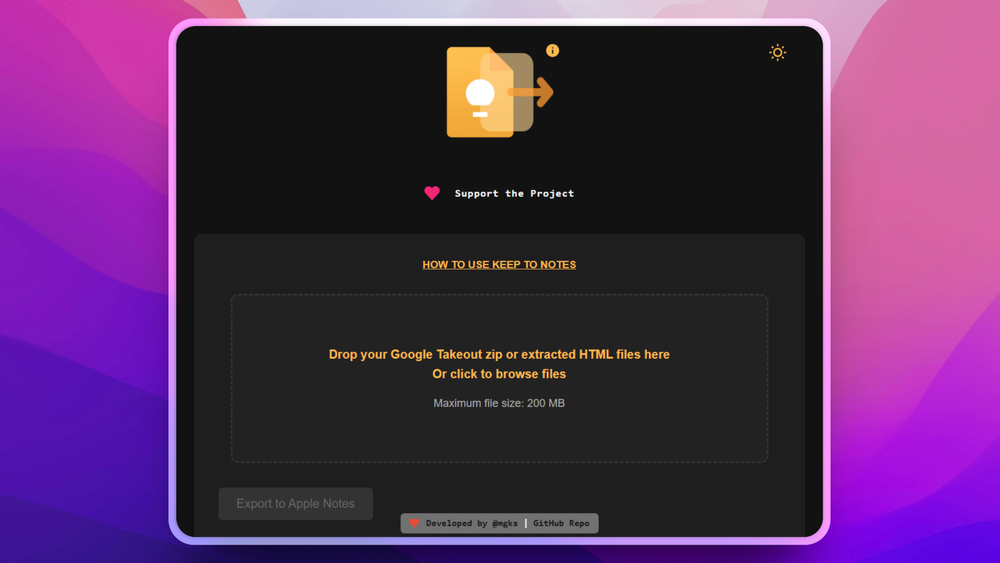
This is a browser-based tool designed to migrate your notes from Google Keep to Apple Notes (and Evernote). It allows you to convert Google Takeout ZIP/HTML files into the ENEX format, which is compatible with both Apple Notes and Evernote.
Key Features:
- Free and Online: Use it directly in your browser without any installation.
- Secure and Private: Client-side conversion ensures your data never leaves your computer.
- Easy Migration: Simplifies the process of moving notes between platforms.
- ENEX Format: Converts notes to a widely supported format.
- Google Takeout Compatible: Works seamlessly with Google's data export.
- Mac & iPhone Friendly: Optimized for Apple ecosystem users.
Use Cases:
- Migrating from Google Keep to Apple Notes for better integration with macOS and iOS.
- Creating backups of Google Keep notes in a portable format.
- Importing Google Keep notes into Evernote.
How it Works:
- Export your Google Keep data using Google Takeout.
- Upload the ZIP or HTML files to the converter.
- Convert the notes to ENEX format.
- Import the ENEX file into Apple Notes or Evernote.


