
Workflow automation tools save the average knowledge worker roughly 4.9 hours every week that would otherwise disappear into repetitive, manual tasks. That stat comes from Asana's Anatomy of Work research, and it lines up with what I see across every team I advise. If your people are still copying data between apps, chasing approvals in email threads, or manually updating spreadsheets, you are burning money.
Workflow automation tools are software platforms that let you build, run, and manage sequences of tasks that execute automatically based on triggers and conditions. They replace copy-paste busywork with reliable, repeatable processes. A trigger fires (a new form submission, a Slack message, a calendar event), and the tool runs a chain of actions across your apps without human intervention.
The market has grown far beyond simple "if this, then that" connectors. In 2026, workflow automation software spans six distinct categories:
- iPaaS (Integration Platform as a Service): cloud connectors that link your SaaS apps
- BPM / Work Management: project tools with built-in automation rules
- RPA (Robotic Process Automation): bots that automate desktop and legacy systems
- No-Code / Open-Source: self-hostable platforms with visual builders
- AI-Native: tools that embed large language models directly into workflow steps
- Developer-First: code-centric platforms for engineers who want full control
I spent weeks testing, comparing, and benchmarking 30+ platforms to narrow this list to 12. My selection criteria: integration ecosystem, ease of setup, pricing transparency, AI capabilities, scalability, security posture, and community strength. Here are the best workflow automation tools for every type of team.
How We Evaluated These Workflow Automation Tools
Every tool on this list went through the same evaluation framework. I weighted seven criteria:
- Integration ecosystem: How many apps does it connect to? Are the connectors deep (multi-action) or shallow (trigger-only)?
- Ease of setup: Can a non-technical user build a working automation in under 30 minutes?
- Pricing and free tier: Is there a genuinely usable free plan? How does pricing scale with volume?
- AI features: Does the tool offer AI-assisted building, AI actions within workflows, or autonomous agent capabilities?
- Scalability: Can it handle enterprise-grade volume (100K+ runs per month) without performance degradation?
- Security and compliance: SOC 2, GDPR, SSO, audit logs, role-based access control.
- Community and support: Documentation quality, community forums, third-party templates, responsiveness of support.
No tool scores perfectly across all seven. That is exactly why I organized this guide by category. The right choice depends on your team's technical depth, budget, and use case.
Quick Comparison: 12 Best Workflow Automation Tools at a Glance
Tool Category Best For Starting Price Free Tier Standout Feature Zapier iPaaS Breadth of integrations $19.99/mo Yes (100 tasks/mo) 8,000+ app connectors Make iPaaS Visual workflow building $10.59/mo Yes (1,000 credits/mo) Drag-and-drop scenario canvas Workato iPaaS Enterprise automation with AI Custom pricing No Autopilot AI recipe builder Monday.com BPM Non-technical teams $9/seat/mo Yes (up to 2 seats) No-code automations builder (Standard plan, $12/mo, required for automations) Asana BPM Built-in workflow rules $10.99/user/mo Yes (up to 2 users) Rules engine with 100+ templates UiPath RPA Enterprise RPA Custom pricing Community Edition (free, non-commercial use) Studio + Orchestrator platform Power Automate RPA Microsoft ecosystem $15/user/mo Included in M365 (limited) Desktop flows + Copilot n8n No-Code / Open-Source Self-hosted automation $24/mo (cloud) Yes (self-hosted is free) Fair-code, AI agent nodes Activepieces No-Code / Open-Source Fully open-source $10/mo (cloud) Yes (self-hosted, MIT license) MIT license, 685+ community pieces Relay.app AI-Native Human-in-the-loop AI $19/mo Yes (200 steps/mo) AI steps with approval gates Bardeen AI-Native Browser automation with AI $10/mo Yes (Basic free plan) AI playbooks + scraping Tray.io Developer-First Low-code/pro-code hybrid $495/mo 14-day trial JavaScript code runner + visual builder
iPaaS: Integration Platform as a Service
1. Zapier: Best for Breadth of Integrations
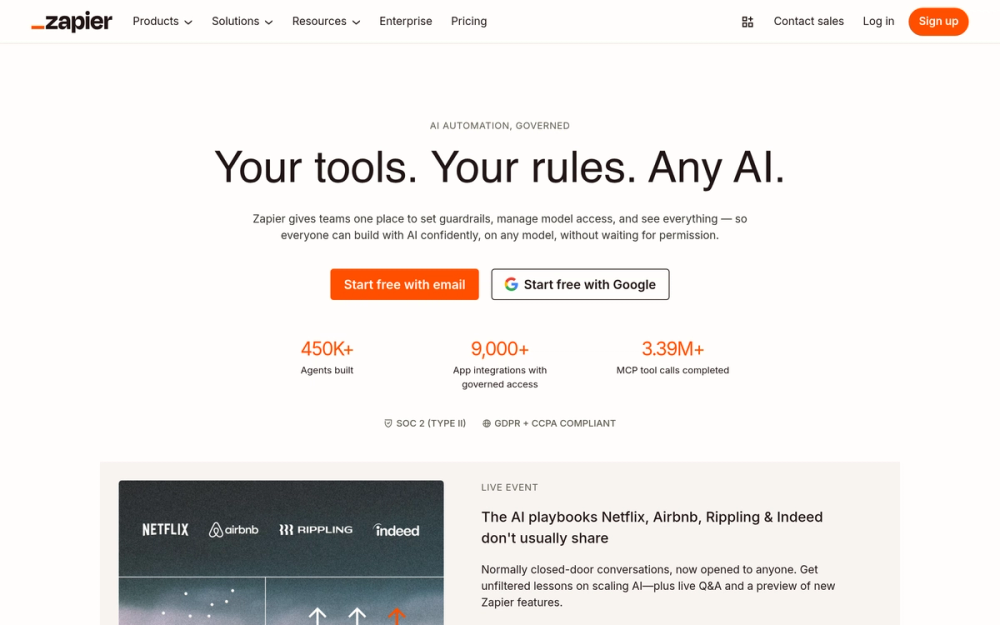
Zapier wrote the playbook for no-code workflow automation. With 8,000+ app integrations and over 2.2 million businesses on the platform, it remains the tool most people think of when they hear "workflow automation." I keep coming back to it for one reason: if an app exists, Zapier probably connects to it.
The platform calls its automations "Zaps." Each Zap starts with a trigger and chains one or more actions. In 2026, Zapier has evolved well beyond linear Zaps. You can build multi-step workflows with conditional logic, filters, formatters, and AI-powered actions using built-in GPT and Claude integrations.
Key Features
- 8,000+ app connectors with deep, multi-action integrations for popular tools
- AI Actions: embed AI directly into Zaps for text generation, summarization, classification, and extraction
- Multi-step Zaps with branching paths, filters, delays, and conditional logic
- Transfer by Zapier: bulk data migration tool for moving records between apps
- Canvas: a newer visual interface for mapping complex workflows before building
- Tables: built-in database for storing and managing automation data
- Webhooks and API requests for custom integrations not in the app directory
Pros
- Largest integration library of any iPaaS platform by a wide margin
- Intuitive interface that non-technical users genuinely understand
- Excellent documentation, templates, and community resources
- AI features are practical, not gimmicky
- Reliable uptime with transparent status reporting
Cons
- Pricing scales with tasks, which can get expensive at high volumes
- Free tier is limited to 100 tasks per month (barely enough for testing)
- Complex multi-step Zaps can become hard to debug
- Some integrations are shallow (trigger-only, limited actions)
Pricing
- Free: 100 tasks/month, 5 Zaps, single-step only
- Professional: $19.99/month, 750 tasks, multi-step Zaps
- Team: $69/month, 2,000 tasks, shared workspaces, SSO
- Enterprise: Custom pricing, advanced admin, SCIM provisioning, 99.9% SLA
User Reviews
Zapier holds a 4.5/5 on G2 (1,754+ reviews) and 4.7/5 on Capterra (3,023+ reviews). Users consistently praise the breadth of integrations and ease of use. The most common complaint is pricing at scale. One G2 reviewer sums it up well: "Zapier connects everything I use — I just wish the pricing didn't jump so sharply once you outgrow the free tier."
Best For
Zapier is best for teams that need to connect a wide variety of SaaS apps quickly without writing code, especially marketing, sales, and ops teams running 10+ tools.
2. Make (formerly Integromat): Best Visual Workflow Builder
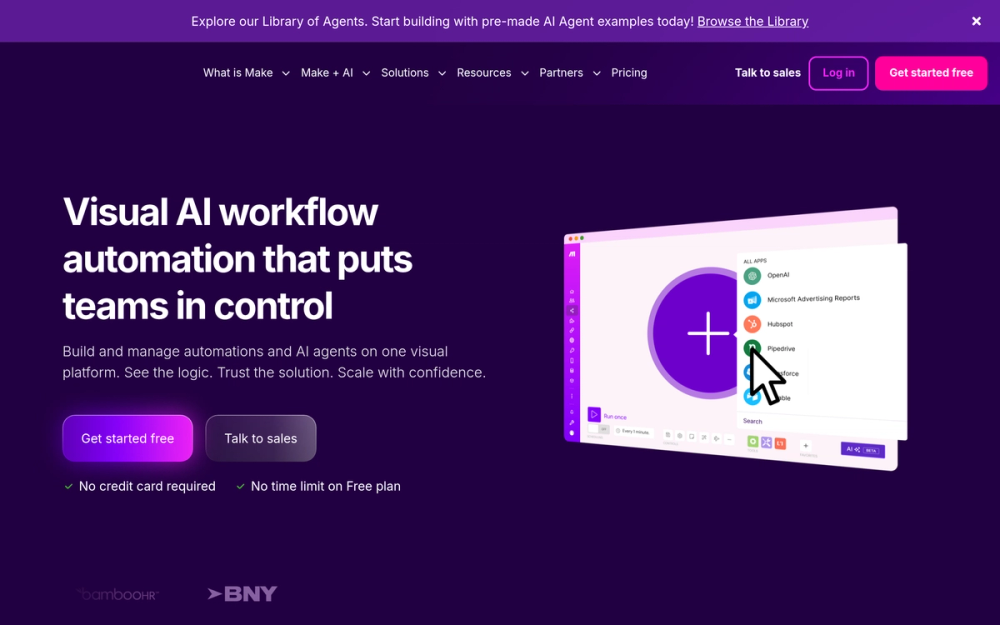
Make is the tool I recommend when someone says, "I need to see what my automation is doing." Its visual scenario builder uses a canvas where you drag, drop, and connect modules into complex workflows. Where Zapier feels like filling out forms, Make feels like drawing a flowchart. That visual approach is a genuine advantage for complex, branching automations.
With 3,000+ app connections and a credit-based pricing model, Make consistently delivers better value for high-volume use cases. I have seen teams cut their automation costs by 60% by switching from Zapier to Make for data-heavy workflows.
Key Features
- Visual scenario builder with a drag-and-drop canvas that shows data flow in real time
- 3,000+ app integrations with deep module support for each connector
- Routers and iterators for advanced branching, looping, and array processing
- Error handling built in: set fallback routes, retry logic, and break functions per module
- Data stores: built-in key-value storage for persisting data between scenario runs
- AI integration: native OpenAI and Anthropic modules for embedding AI into scenarios
- Webhooks, HTTP modules, and custom API calls for extending beyond the app library
Pros
- Visual builder makes complex workflows genuinely easier to understand and debug
- Credit-based pricing is significantly cheaper than task-based pricing at scale
- Powerful data transformation tools (JSON, CSV, text parsing) built into every module
- Error handling is more granular than any competing iPaaS
- Free tier offers 1,000 credits per month, enough for real testing
Cons
- Steeper learning curve than Zapier for absolute beginners
- Fewer integrations than Zapier (3,000 vs. 8,000)
- Scenario execution can time out on very long-running workflows
- Some advanced features are buried in the UI
Pricing
Make uses "credits" (formerly "operations") — 1 credit = 1 module operation in a scenario.
- Free: 1,000 credits/month, 2 active scenarios
- Core: $10.59/month (billed annually), 10,000 credits/month, unlimited active scenarios
- Pro: $18.82/month, 10,000 credits, priority execution, full-text execution log
- Teams: $34.12/month, 10,000 credits, team collaboration, SSO
- Enterprise: Custom pricing, dedicated infrastructure, advanced security
User Reviews
Make scores 4.6/5 on G2 (250+ reviews) and 4.8/5 on Capterra (406+ reviews). Reviewers highlight the visual builder and value for money. The main criticism is the learning curve for first-time users. A representative G2 review notes: "Once it clicks, Make is incredibly powerful — but expect to spend a weekend getting there if you're coming from Zapier."
Best For
Make is best for technically curious teams and power users who build complex, multi-branch workflows and want visual clarity plus cost-effective credit-based pricing.
3. Workato: Best Enterprise iPaaS with AI
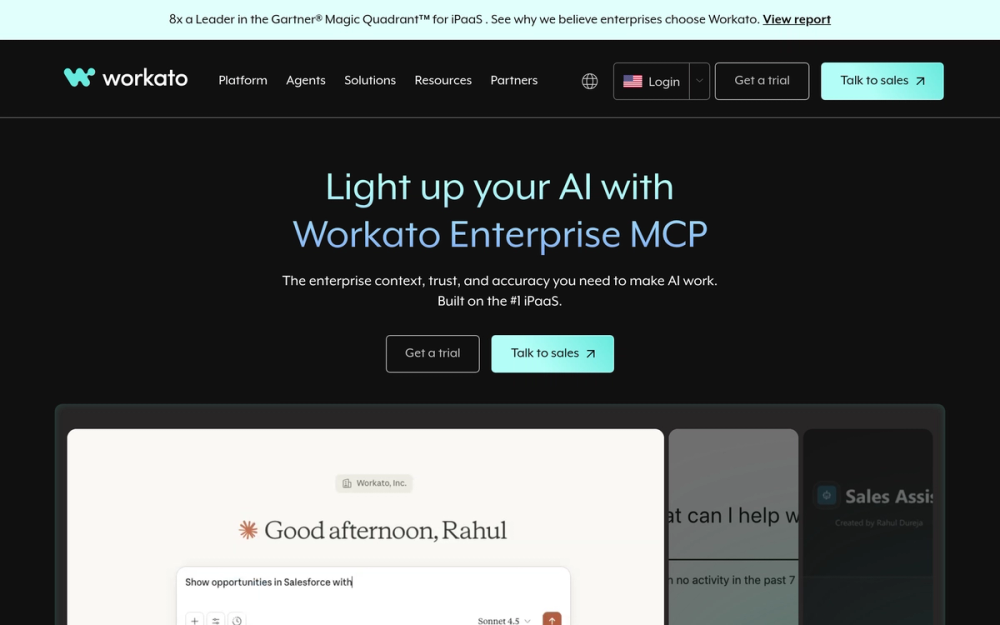
Workato sits in a different league. While Zapier and Make target SMBs, Workato is built for enterprises that need to automate across ERP, CRM, HRIS, and custom systems at scale. Its "recipe" model lets business users build automations, but the platform's real power is in its enterprise connectors, governance controls, and Autopilot AI capabilities.
I recommend Workato when the conversation includes words like "SOC 2," "SAP integration," or "cross-departmental automation." It is expensive, but for organizations processing millions of transactions, the ROI is clear.
Key Features
- Recipe-based automation with a guided builder that balances simplicity and power
- Autopilot AI: an AI assistant that generates recipes from natural-language descriptions and suggests optimizations
- 1,200+ enterprise connectors with deep integration for Salesforce, SAP, Workday, NetSuite, ServiceNow
- Workbot: conversational bots for Slack, Teams, and other messaging platforms
- API Management: build, publish, and manage APIs alongside automations
- Enterprise governance: role-based access, audit trails, environment management (dev/staging/prod)
- On-prem agent for connecting to systems behind firewalls without opening ports
Pros
- Deepest enterprise connector library, especially for ERP and HRIS systems
- Autopilot AI significantly accelerates recipe creation for experienced users
- Robust governance and compliance features meet enterprise security requirements
- Recipe lifecycle management with version control and environment promotion
- Handles high-volume, mission-critical workflows with strong reliability
Cons
- No free tier and no published pricing (requires sales conversation)
- Overkill for small teams or simple app-to-app automations
- Learning curve is steeper than consumer-grade iPaaS tools
- Cost can be prohibitive for startups and SMBs
Pricing
- Custom pricing only: Workato does not publish prices. Plans are based on recipes, connections, and transaction volume.
- Typical entry point: industry sources report starting around $10,000/year for basic plans
- Enterprise agreements: scale into six figures for large deployments
- Free trial: available on request
User Reviews
Workato earns a 4.7/5 on G2 (400+ reviews) and 4.7/5 on Capterra (60+ reviews). Enterprise buyers praise the connector depth and recipe builder. The most common concern is the opaque pricing model. G2 reviewers frequently mention: "Workato handles integrations at a scale nothing else we tested could match — the Autopilot AI alone has saved our team weeks of build time."
Best For
Workato is best for mid-market and enterprise organizations that need to automate complex, cross-system business processes with strong governance, compliance, and AI capabilities.
Best Workflow Management Software for Teams
4. Monday.com: Best for Non-Technical Teams
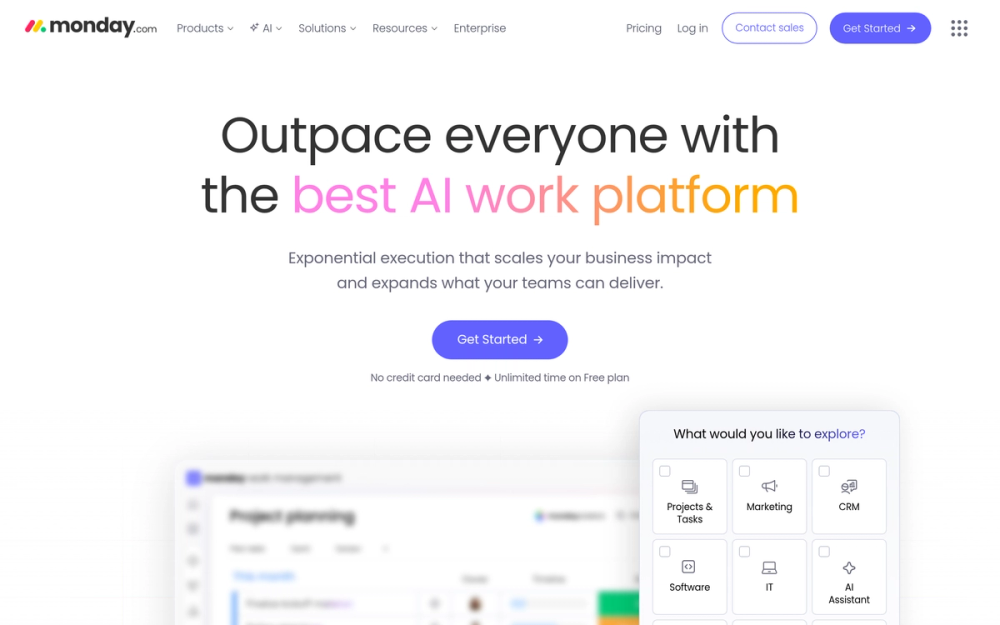
Monday.com is a work management platform first, but its built-in automation engine has become remarkably capable. I highlight it here because it is the tool where non-technical teams, the ones who have never heard of "iPaaS," actually build and use automations daily.
The automations builder uses natural-language recipes: "When status changes to Done, notify the team lead." No nodes, no flowcharts, no learning curve. Monday AI, introduced in 2025, now lets you describe what you want in plain English and generates the automation for you.
Key Features
- Natural-language automation builder with "when/then" recipes anyone can understand
- Monday AI: generates automations, formulas, and task summaries from text prompts
- 200+ automation templates for project management, CRM, HR, and IT workflows
- Built-in integrations with Slack, Gmail, Outlook, Jira, Salesforce, and 50+ apps
- Custom automations with webhooks, API calls, and third-party app triggers
- Dashboard automations: trigger actions based on portfolio-level data changes
- Forms: collect submissions and automatically route them into workflows
Pros
- Lowest learning curve of any automation tool on this list
- Combines project management and automation in a single platform
- Monday AI makes automation accessible to people who have never automated anything
- Generous free tier for individuals and very small teams
- Visually appealing interface that teams actually enjoy using
Cons
- Automations are limited to actions within Monday.com and its direct integrations
- Per-seat pricing adds up quickly for larger teams
- Not a substitute for a dedicated iPaaS for complex cross-app workflows
- Advanced automations require the Pro or Enterprise plan
Pricing
- Free: Up to 2 seats, limited automations
- Basic: $9/seat/month, no automations included
- Standard: $12/seat/month, 250 automations/month (automations require Standard plan or above)
- Pro: $19/seat/month, 25,000 automations/month, time tracking, integrations
- Enterprise: Custom pricing, 250,000 automations/month, advanced security
User Reviews
Monday.com has a 4.7/5 on G2 (12,000+ reviews) and 4.6/5 on Capterra (4,800+ reviews). Users love the ease of use and visual design. Reviewers note that per-seat costs escalate and that automation limits on lower tiers feel restrictive. A common G2 sentiment: "Our whole team adopted Monday.com in days — the automation recipes are so natural that even people who've never automated anything were building their own within a week."
Best For
Monday.com is best for non-technical teams that want automation built into their project management tool without learning a separate platform.
5. Asana: Best Built-In Workflow Rules Engine
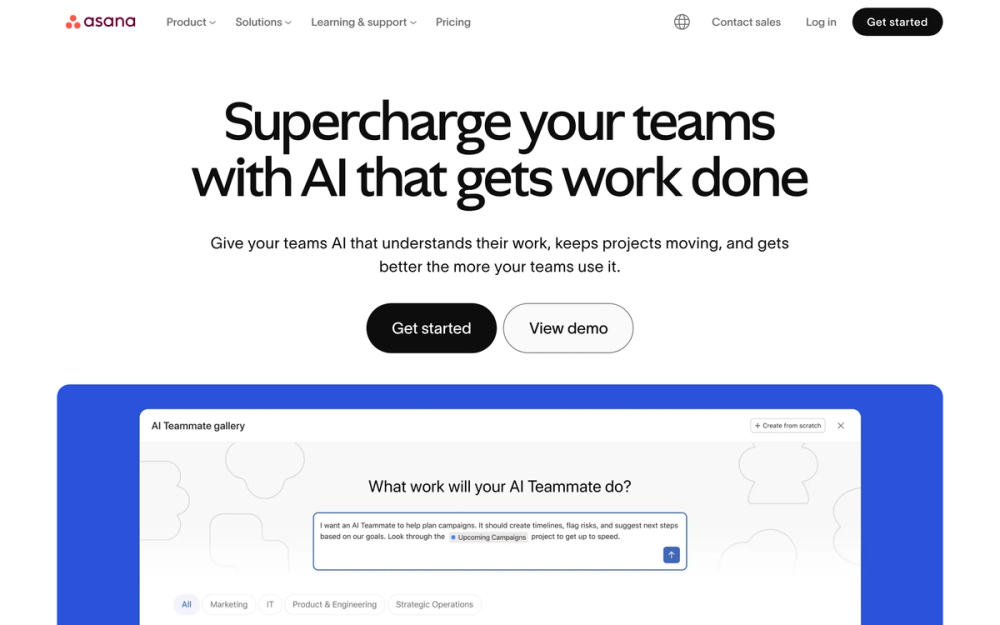
Asana's Rules engine turns a project management tool into a genuine workflow automation platform. Used by 85% of Fortune 100 companies, according to Asana's own marketing, Asana has invested heavily in making automation a core feature rather than an afterthought. Its Rules let you automate task routing, status updates, approvals, and notifications directly within your project workflows.
What sets Asana apart is how naturally automation fits into the work. You do not build automations in a separate tool. You add Rules to the projects where your team already works. Asana Intelligence, its AI layer, now suggests Rules based on your team's patterns.
Key Features
- Rules engine with triggers, conditions, and actions that automate project workflows
- 100+ rule templates for common patterns (task assignment, status changes, due date alerts)
- Asana Intelligence: AI-powered suggestions for rules, task prioritization, and status summaries
- Forms with conditional logic that route submissions to the right project, team, or workflow
- Custom fields as triggers: automate based on dropdown changes, number thresholds, or date fields
- Cross-project rules: trigger actions in one project based on changes in another
- Bundles: combine multiple rule actions into a single trigger for complex automations
Pros
- Automation is embedded in the project management interface, zero context switching
- Rules engine is intuitive and requires no technical knowledge
- Asana Intelligence surfaces automation opportunities you might miss
- Scales well from small teams to enterprise deployments
- Strong API and integrations with 300+ tools including Zapier, Make, and Slack
Cons
- Rules are limited to Asana's ecosystem (you need an iPaaS for cross-app automation)
- Advanced rules require Premium or Business plans
- No RPA or desktop automation capabilities
- Rule execution order can be confusing in complex projects
Pricing
- Personal: Free for up to 2 users, basic rules
- Starter: $10.99/user/month, unlimited rules, Forms, timeline view
- Advanced: $24.99/user/month, custom rules, approvals, portfolios
- Enterprise: Custom pricing, SAML, data export, advanced admin controls
- Enterprise+: Custom pricing, data governance, audit log API
User Reviews
Asana scores 4.4/5 on G2 (10,000+ reviews) and 4.5/5 on Capterra (12,000+ reviews). Users praise the clean interface and project management depth. The common complaint is that automation features are locked behind higher-priced plans. G2 reviewers frequently highlight: "Asana's Rules engine handles everything from simple task assignments to complex multi-step approvals — and it all lives right inside the projects my team already uses."
Best For
Asana is best for teams already managing projects in Asana that want to automate task routing, approvals, and notifications without adopting a separate automation tool.
RPA: Robotic Process Automation
6. UiPath: Best Enterprise RPA Platform
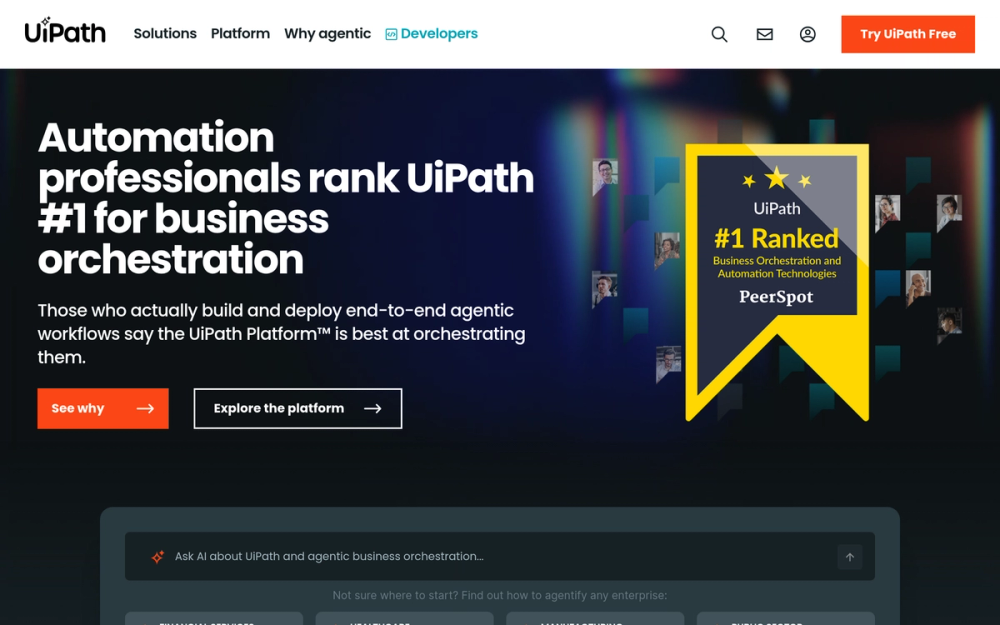
UiPath is the heavyweight champion of robotic process automation. Named a Leader in the Gartner Magic Quadrant for RPA year after year, it provides a full-stack platform for building, deploying, and managing software bots that automate desktop applications, legacy systems, and browser-based tasks.
If your automation challenge involves interacting with systems that have no API, such as mainframes, desktop ERP clients, or Citrix virtual environments, UiPath is the answer. Its Studio environment lets you record human interactions and convert them into reusable bot workflows.
Key Features
- UiPath Studio: a visual designer for building attended and unattended automation workflows
- Orchestrator: centralized management console for deploying, scheduling, and monitoring bots
- AI Computer Vision: identifies UI elements using AI, not just selectors, for more resilient bots
- Document Understanding: extract data from invoices, contracts, and forms using AI/ML models
- Attended bots: assist human workers in real time with guided automation
- Unattended bots: run fully autonomous processes on virtual machines 24/7
- Integration Service: 400+ pre-built connectors for SaaS apps alongside traditional RPA
Pros
- Most comprehensive RPA platform with the deepest feature set in the market
- AI-powered automation handles unstructured documents and dynamic UIs
- Scales from single-bot pilots to thousands of bots across an enterprise
- Strong partner ecosystem with thousands of certified developers
- Community Edition provides free access for individual developers and small teams
Cons
- Significant learning curve, especially for non-developers
- Enterprise licensing costs are substantial
- Requires infrastructure (virtual machines, Orchestrator server) for unattended bots
- Overkill for teams that only need simple app-to-app integrations
Pricing
- Community Edition: Free for individual developers and small teams (up to 3 bots) — restricted to non-commercial use
- Pro: custom pricing, full Studio, Orchestrator, attended and unattended bots
- Enterprise: custom pricing, advanced governance, AI Center, multi-tenant Orchestrator
- Cloud pricing: UiPath Automation Cloud starts at approximately $420/month per robot
User Reviews
UiPath has a 4.6/5 on G2 (6,800+ reviews) and 4.6/5 on Capterra (700+ reviews). Enterprise users praise the platform's depth and reliability. Common criticism centers on cost and the steep learning curve for citizen developers. A representative G2 review: "UiPath handles automations our other tools couldn't touch — anything involving a legacy desktop system or Citrix, UiPath is the only viable option."
Best For
UiPath is best for enterprises that need to automate complex, multi-system processes involving desktop applications, legacy systems, and unstructured documents at scale.
7. Microsoft Power Automate: Best for Microsoft Ecosystem
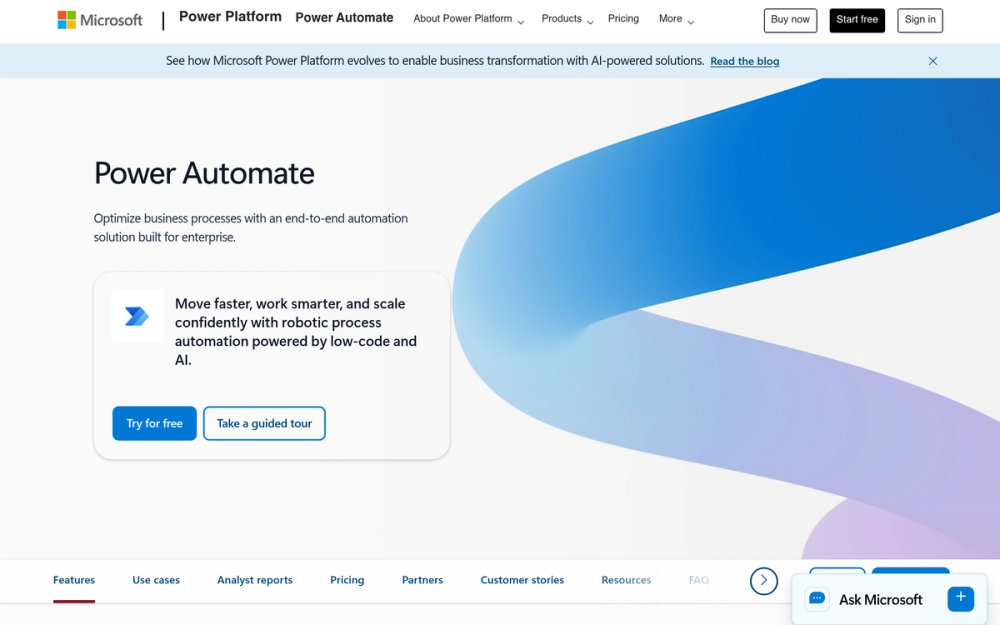
If your organization runs on Microsoft 365, Power Automate is the automation tool you are already paying for but probably underusing. It combines cloud flows (iPaaS-style app connections) with desktop flows (RPA) in a single platform, all deeply integrated with Teams, SharePoint, Outlook, Excel, and Dynamics 365.
Microsoft has pushed hard on AI with Copilot in Power Automate, which lets you describe a flow in natural language and generates it automatically. AI Builder adds pre-trained and custom AI models for document processing, sentiment analysis, and object detection directly into your flows.
Key Features
- Cloud flows: trigger-based automations connecting 1,000+ apps and services
- Desktop flows: record and replay desktop actions for RPA scenarios
- Copilot: describe your automation in plain English and Power Automate builds it
- AI Builder: pre-built AI models for form processing, text recognition, and prediction
- Process mining: analyze business processes to identify automation opportunities
- Approvals: built-in approval workflows integrated with Teams and Outlook
- Dataverse integration: native connection to Microsoft's data platform for complex business logic
Pros
- Included in many Microsoft 365 plans, reducing incremental cost to zero
- Deep integration with the entire Microsoft stack (Teams, SharePoint, Dynamics, Azure)
- Combines cloud automation and desktop RPA in one platform
- Copilot and AI Builder deliver practical AI features for business users
- Large template library with 500+ pre-built flows
Cons
- Interface can feel cluttered and less intuitive than competitors
- Performance and reliability can be inconsistent with complex flows
- Desktop flows require the Power Automate Desktop app installed on each machine
- Premium connectors (Salesforce, SAP, custom APIs) require upgraded licensing
- Ecosystem lock-in: works best within Microsoft, weaker outside it
Pricing
- Included in M365: basic cloud flows with standard connectors
- Power Automate Premium: $15/user/month, attended RPA, premium connectors, AI Builder credits
- Power Automate Process: $150/bot/month, unattended RPA
- Power Automate Hosted Process: $215/bot/month, Microsoft-hosted VM for unattended bots
- Pay-as-you-go: available through Azure at $0.60 per flow run (standard connectors)
User Reviews
Power Automate has a 4.4/5 on G2 (500+ reviews) and 4.4/5 on Capterra (200+ reviews). Microsoft shops appreciate the deep ecosystem integration and cost savings. Users outside the Microsoft ecosystem find it limited and less polished than dedicated iPaaS tools. G2 reviewers in Microsoft-heavy organizations often say: "If you're already paying for M365, Power Automate is a no-brainer — the Teams and SharePoint integrations alone justify it."
Best For
Power Automate is best for organizations already invested in the Microsoft ecosystem that want cloud automation and desktop RPA in a single, cost-effective platform.
Best No-Code Workflow Automation Tools
8. n8n: Best Self-Hosted Open-Source Option
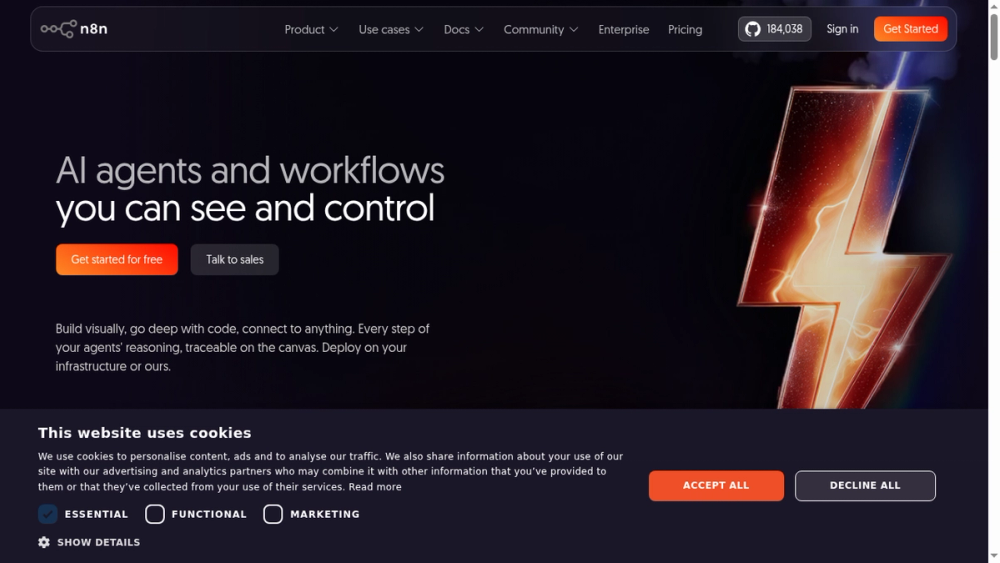
n8n is the tool I point to when someone asks, "Can I own my automation infrastructure?" It is a fair-code licensed platform with 400+ integrations that you can self-host on your own servers, giving you complete control over your data, execution environment, and costs.
What makes n8n special in 2026 is its AI agent capabilities. Its AI agent nodes let you build autonomous workflows where an AI model can decide which tools to call, loop through tasks, and handle complex decision trees. This is not just "add AI to a step." This is genuine agentic automation.
Key Features
- Self-hostable: deploy on your own infrastructure (Docker, Kubernetes, bare metal) for full data sovereignty
- Fair-code license: source code is open, free to self-host, commercial use requires a license
- Visual workflow editor with a node-based canvas similar to Make
- 400+ built-in integrations plus the ability to call any API via HTTP nodes
- AI agent nodes: build autonomous AI workflows with tool-calling, memory, and reasoning loops
- Custom code nodes: write JavaScript or Python within any workflow for maximum flexibility
- Credential sharing and team workspaces on the cloud and Enterprise self-hosted plans
Pros
- Full data sovereignty when self-hosted, critical for regulated industries
- AI agent capabilities are among the best in any automation platform
- No per-task pricing on self-hosted, run unlimited workflows
- Active community contributing new nodes and sharing workflow templates
- Visual editor is clean, fast, and developer-friendly
Cons
- Self-hosting requires DevOps knowledge for setup, maintenance, and scaling
- Fair-code license is more restrictive than MIT or Apache 2.0
- Smaller integration library than Zapier or Make
- Cloud pricing is higher than some competitors for equivalent volume
Pricing
- Self-hosted (Community): Free, unlimited workflows, unlimited executions
- Starter (Cloud): $24/month, 2,500 executions, 5 active workflows
- Pro (Cloud): $60/month, 10,000 executions, unlimited workflows, team features
- Enterprise: Custom pricing, SSO, advanced permissions, dedicated support, SLA
User Reviews
n8n scores 4.8/5 on G2 (200+ reviews) and 4.8/5 on Capterra (100+ reviews). Self-hosters love the flexibility and data control. The main complaints relate to the learning curve for non-technical users and occasional friction with the fair-code license terms. A frequently cited G2 review: "Self-hosting n8n was the best automation decision we made — full control over our data, unlimited runs, and the AI agent nodes are genuinely ahead of what commercial tools offer."
Best For
n8n is best for technical teams and privacy-conscious organizations that want full control over their automation infrastructure, with the added power of AI agent capabilities.
9. Activepieces: Best Fully Open-Source Alternative
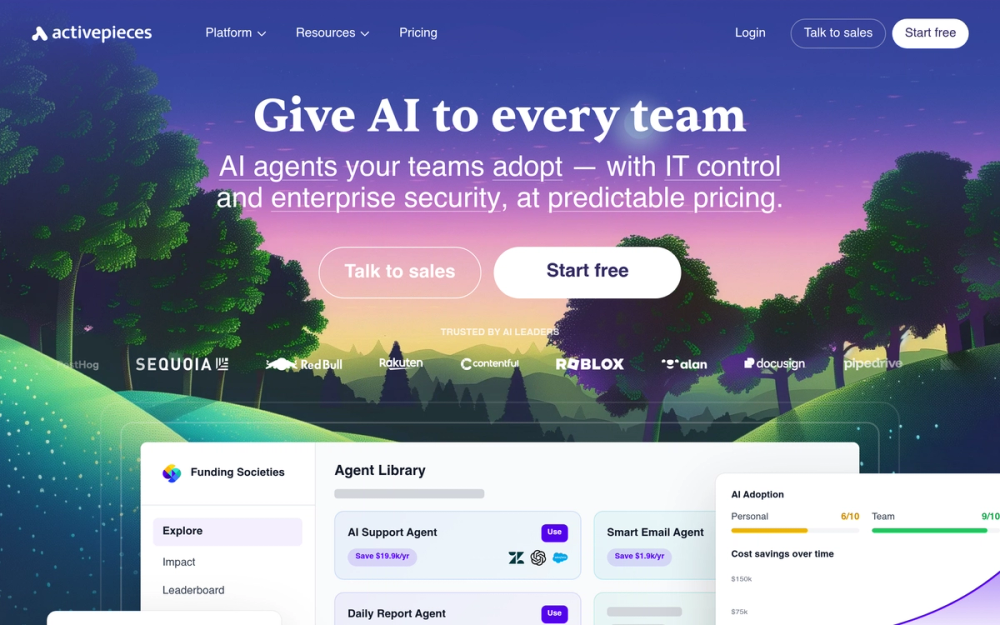
Activepieces is the answer to a question many teams ask: "Is there a workflow automation tool that is truly open-source?" Yes, and it is licensed under MIT, the most permissive open-source license. You can self-host it, modify it, embed it in your product, and use it commercially without restrictions.
What I like about Activepieces is its community-driven approach. The integration library, called "Pieces," is built and maintained by the community. If a connector does not exist, you can build one and contribute it back. The visual builder is clean, approachable, and competitive with commercial tools.
Key Features
- MIT license: fully open-source with no usage restrictions, even for commercial embedding
- Visual flow builder with a clean, modern interface for building multi-step automations
- 685+ community-built Pieces (connectors) covering popular SaaS apps
- Self-hostable: deploy on Docker with a single command
- Branching and loops: conditional logic, iteration, and error handling in flows
- Code steps: write custom TypeScript within any flow for flexibility
- Embedding SDK: white-label Activepieces into your own SaaS product
Pros
- MIT license removes all legal friction for self-hosting and commercial use
- Visual builder is polished and beginner-friendly
- Community is active and growing, with new Pieces added regularly
- Embedding SDK is unique, no other open-source tool offers this so cleanly
- Self-hosting is simple (single Docker command)
Cons
- Smaller integration library than n8n, Make, or Zapier
- AI features are still maturing compared to commercial platforms
- Community-built Pieces can vary in quality and maintenance
- Enterprise features (SSO, audit logs) are newer and less battle-tested
Pricing
- Self-hosted (Open Source): Free, unlimited flows, unlimited runs, MIT license
- Cloud (Pro): $10/month, 1,000 tasks, 10 active flows
- Cloud (Platform): $49/month, 10,000 tasks, embedding SDK, custom branding
- Enterprise: Custom pricing, SSO, audit logs, SLA, dedicated support
User Reviews
Activepieces earns a 4.8/5 on G2 (30+ reviews) and 4.9/5 on Capterra (20+ reviews). Early adopters praise the MIT license, clean UI, and embedding capabilities. The most common request is for more integrations. One G2 reviewer captured what makes it stand out: "The MIT license was the deciding factor for us — we embedded Activepieces directly into our product and it just works, with zero licensing headaches."
Best For
Activepieces is best for teams that want a truly open-source automation platform with no license restrictions, especially SaaS companies that want to embed automation into their own products.
Best AI Workflow Automation Tools
10. Relay.app: Best Human-in-the-Loop AI Automation
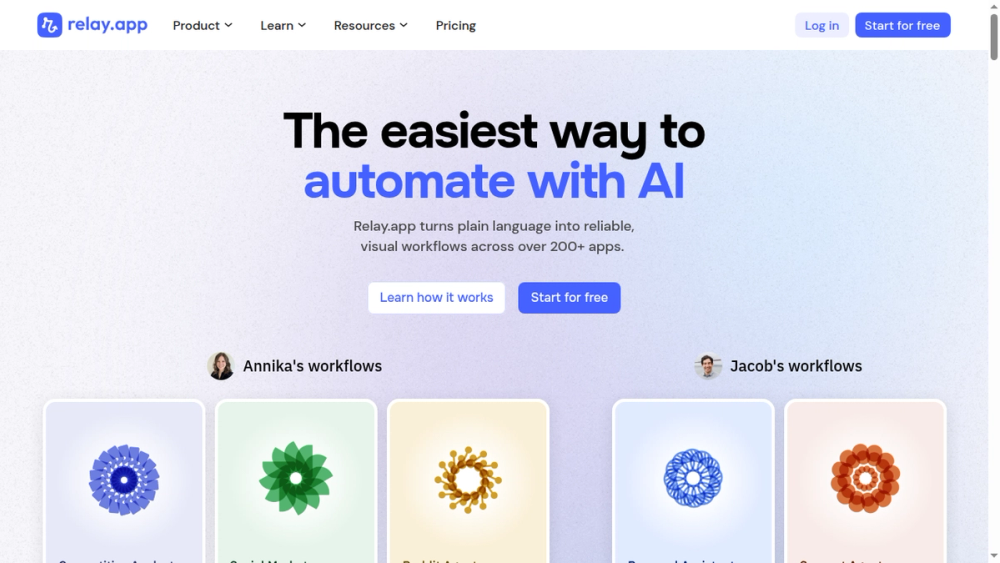
Relay.app approaches AI automation differently than everyone else. Instead of replacing humans with AI, it builds human-in-the-loop approval gates directly into AI-powered workflows. An AI step generates a draft email, summarizes a document, or classifies a support ticket, and then a human reviews and approves before the workflow continues.
This design philosophy solves the trust problem that holds back AI adoption in business workflows. I recommend Relay.app to teams that want AI speed without AI risk.
Key Features
- Human-in-the-loop steps: AI generates, humans approve before the workflow proceeds
- AI steps: built-in AI for text generation, summarization, classification, and extraction
- Multi-player workflows: assign approval steps to specific team members with notifications
- 100+ integrations with popular SaaS tools (Slack, Gmail, HubSpot, Notion, and more)
- Visual workflow builder with a clean, modern drag-and-drop interface
- AI model selection: choose between different LLMs (GPT, Claude) per AI step
- Parallel branches: run multiple workflow paths simultaneously
Pros
- Human-in-the-loop approach builds trust in AI-powered automation
- Clean, thoughtful UI that makes multi-player workflows intuitive
- AI steps are well-designed with clear inputs and outputs
- Good balance of simplicity and capability for growing teams
- Competitive pricing for what you get
Cons
- Smaller integration library than established iPaaS tools
- Relatively new platform with a smaller community and fewer templates
- Advanced workflow patterns (complex branching, error handling) are limited
- Not suited for fully autonomous, high-volume automation
Pricing
Relay.app uses "steps" as its execution unit.
- Free: 200 steps/month, unlimited automations
- Professional: $19/month, 5,000 steps/month
- Team: $69/month, 20,000 steps/month, collaboration features
- Enterprise: Custom pricing
User Reviews
Relay.app has a 4.7/5 on G2 (30+ reviews) and 4.8/5 on Capterra (15+ reviews). Users appreciate the human-in-the-loop concept and clean design. The main ask is for more integrations and more advanced workflow capabilities. A G2 reviewer put it simply: "Relay.app gave us the speed of AI automation without the fear of something going out to a customer unreviewed — that approval gate is exactly what we needed."
Best For
Relay.app is best for teams that want to leverage AI in their workflows but need human oversight and approval before AI-generated outputs reach customers or stakeholders.
11. Bardeen: Best AI-Powered Browser Automation
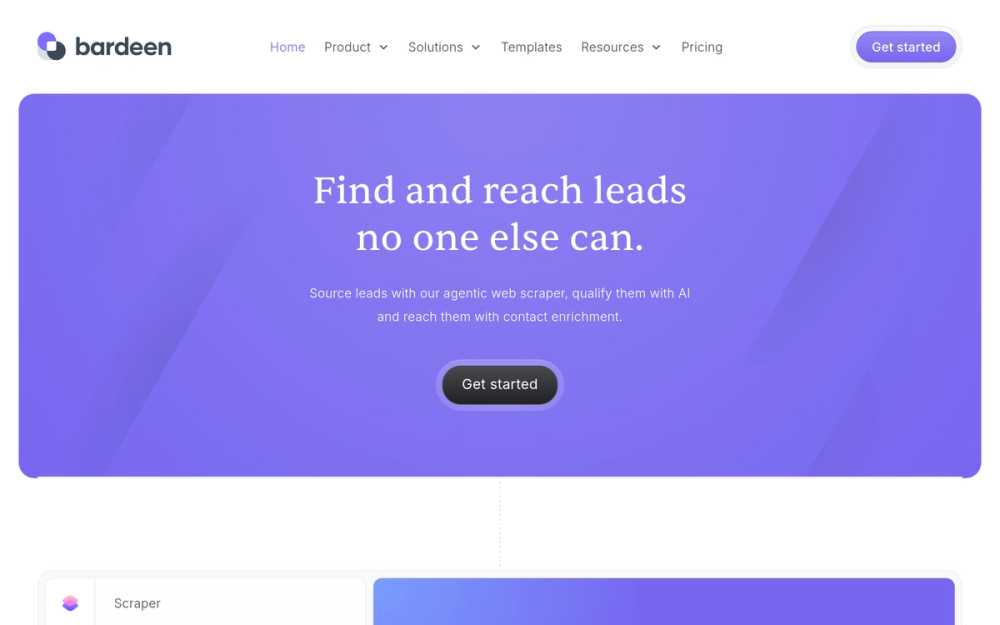
Bardeen lives in your browser. It is a Chrome extension that automates repetitive browser tasks using AI-powered playbooks. Where most workflow automation tools connect APIs in the cloud, Bardeen scrapes web pages, fills out forms, extracts data from LinkedIn, and automates browser actions that no API supports.
I find Bardeen most useful for sales and recruiting teams that spend hours on manual browser work: prospecting, data entry, CRM updates, and research. Its AI playbooks can watch what you do in the browser and suggest automations.
Key Features
- Browser extension: automates tasks directly in Chrome without leaving your browser
- AI playbooks: describe what you want to automate in natural language, Bardeen builds it
- Web scraping: extract structured data from any website without coding
- Pre-built automations for LinkedIn, HubSpot, Salesforce, Google Sheets, Notion, and more
- AI actions within playbooks: summarize pages, classify content, generate text during automations
- Magic Box: type a description of what you want to automate, and Bardeen generates the playbook
- Scheduled automations: run playbooks on a recurring schedule
Pros
- Automates browser tasks that cloud-based tools cannot reach (scraping, form filling, UI interaction)
- AI playbook generation is genuinely impressive and reduces setup time significantly
- No server, no infrastructure: everything runs from the browser extension
- Excellent for sales, recruiting, and research workflows
- Free tier is generous enough for individual use
Cons
- Limited to browser-based tasks (cannot automate desktop applications)
- Scraping can break when websites change their structure
- Less suitable for complex, multi-system enterprise workflows
- Performance depends on browser resources and internet speed
Pricing
- Basic: Free plan with limited automations
- Premium: $10/month, 100 credits/month for AI-powered automations
- Business: $50/month, 1,000 credits/month
- Enterprise: Custom pricing
User Reviews
Bardeen scores 4.5/5 on G2 (40+ reviews) and 4.6/5 on Capterra (20+ reviews). Sales professionals and recruiters love the LinkedIn automation and scraping capabilities. Users note occasional brittleness when target websites update their layouts. A representative G2 review from a sales team: "Bardeen cut my LinkedIn prospecting time by 70% — I describe what I want in plain English and it builds the playbook. It's the closest thing to having a research assistant in my browser."
Best For
Bardeen is best for sales, recruiting, and research teams that need to automate repetitive browser tasks like prospecting, data extraction, and CRM updates.
Developer-First
12. Tray.io: Best Low-Code/Pro-Code Hybrid Automation Platform
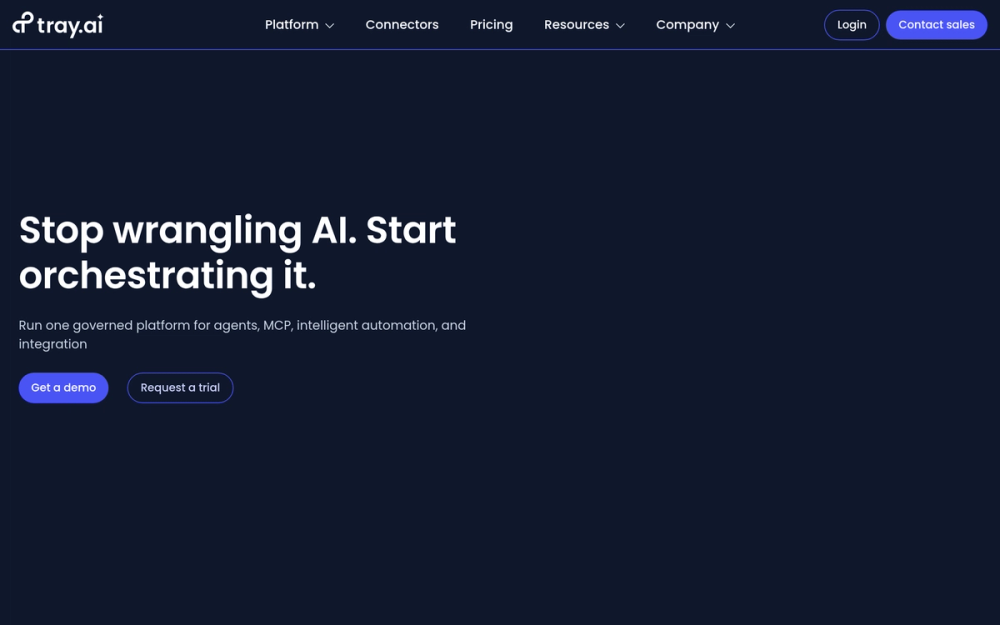
Tray.io fills the gap between enterprise iPaaS platforms like Workato and developer tools like n8n. Its Universal Automation Cloud lets non-technical users build automations visually while giving developers access to a full JavaScript runtime for custom logic. If you need the flexibility of code but don't want to manage infrastructure, Tray.io is the pick.
Key Features
- Universal Automation Cloud with both visual builder and JavaScript code runner
- 700+ connectors with support for REST, SOAP, GraphQL, and custom APIs
- Merlin AI Assistant: generates automations from natural language prompts and suggests connector configurations
- Multi-environment support: dev, staging, and prod environment separation with version control
- Embedding capabilities: white-label automation builder for SaaS product teams
- Enterprise governance: SSO, role-based access, full audit logs, SOC 2 Type II certified
- Scalable execution: handles millions of workflow executions per day with managed infrastructure
Pros
- Unique combination of visual builder and native code for advanced logic
- Excellent fit for SaaS companies embedding automation into their own products
- Merlin AI dramatically speeds up connector configuration
- Strong enterprise compliance posture (SOC 2 Type II)
- More affordable than Workato for mid-market enterprise use cases
Cons
- Pricing is not transparent (sales-led for most tiers)
- Smaller integration library than Zapier or Make
- Learning curve for the JavaScript code runner
- Limited community resources compared to Zapier or n8n
Pricing
- Free trial: 14 days, full feature access
- Growth: ~$495/month (billed annually) based on connector usage
- Enterprise: Custom pricing, dedicated support, SLA guarantees
User Reviews
Tray.io holds a 4.5/5 on G2 (180+ reviews) and 4.6/5 on Capterra (40+ reviews). Users praise the flexibility for complex enterprise workflows and the embedded use case. The main complaints are pricing opacity and a steeper learning curve than simpler tools. G2 reviewers building embedded automation note: "Tray.io is the only platform that gave us both the visual builder our customers needed and the JavaScript runtime our engineering team required — that combination is genuinely unique."
Best For
Tray.io is best for SaaS companies embedding workflow automation into their products, and for technical enterprise teams that need the flexibility of code within a managed, governed automation platform.
How to Choose the Right Workflow Automation Software
With 12 tools across six categories, the choice can feel overwhelming. Here is a practical framework for narrowing it down.
Match the Tool Category to Your Use Case
Start by identifying what you are automating:
- Connecting SaaS apps (syncing CRM to email, routing form submissions): choose an iPaaS like Zapier, Make, or Workato.
- Automating project workflows (task routing, approvals, notifications): choose a BPM tool like Monday.com or Asana.
- Automating desktop or legacy systems (mainframes, desktop ERP, Citrix): choose an RPA tool like UiPath or Power Automate.
- Self-hosting for data sovereignty or embedding automation in your product: choose open-source like n8n or Activepieces.
- Adding AI to workflows with human oversight: choose an AI-native tool like Relay.app or Bardeen.
- Building complex automations with code: choose a developer-first tool like Tray.io.
Key Questions to Ask Before You Buy
- How many apps do I need to connect? If you use 50+ SaaS tools, integration breadth matters. Zapier wins here.
- What is my team's technical skill level? Non-technical teams should start with Monday.com or Asana. Technical teams will get more from n8n or Tray.io.
- Where does my data need to live? If data residency or compliance is non-negotiable, self-hosted tools (n8n, Activepieces) or enterprise platforms (Workato, UiPath) are your options.
- What is my monthly automation volume? Low volume favors free tiers. High volume favors credit-based pricing (Make) or self-hosted unlimited plans (n8n).
- Do I need AI in my workflows? If AI is a core requirement, look at Relay.app for human-in-the-loop or n8n for AI agent capabilities.
Combining Tools for Advanced Automation Stacks
Many mature teams use two or three tools together. A common stack I see:
- Make or Zapier for cloud app integrations
- n8n for self-hosted, data-sensitive workflows
- Asana or Monday.com for project-level automations
The tools are not mutually exclusive. Make can trigger a webhook in n8n. Zapier can push data into Asana, which runs its own Rules. Power Automate can call UiPath bots. Think in terms of an automation stack, not a single tool.
Workflow Automation Trends to Watch in 2026
The automation landscape is shifting fast. Here are the trends I am tracking:
AI agents going autopilot. Tools like n8n and Workato now let AI models decide which actions to take, loop through tasks, and handle exceptions autonomously. The human-in-the-loop is becoming optional, not mandatory.
iPaaS and RPA convergence. The line between cloud automation and desktop automation is blurring. Power Automate already combines both. Zapier and Make are adding browser automation features. UiPath is building cloud connectors. Expect unified platforms.
Open-source is rising. n8n and Activepieces are growing fast. McKinsey reports that 60% of occupations could automate 30% of their activities, and open-source tools make that accessible without enterprise budgets.
Event-driven is replacing polling. Webhooks and real-time triggers are becoming the default. Polling (checking for changes every few minutes) wastes resources and adds latency. Modern tools prioritize instant, event-driven execution.
Compliance-as-code in workflows. Automation platforms are embedding audit trails, data retention policies, and regulatory checks directly into workflow definitions. This is no longer a separate governance layer.
Multi-modal triggers are emerging. Workflows triggered by voice commands, images, video events, and sensor data are moving from experimental to production. Browser-based tools like Bardeen are leading this shift.
Frequently Asked Questions
What is workflow automation?
Workflow automation is the use of software to execute a series of tasks automatically based on predefined triggers and rules. Instead of a person manually copying data from one app to another, a workflow automation tool detects the trigger (a new form submission, for example) and performs the subsequent actions (creating a record, sending a notification, updating a spreadsheet) without human intervention. The goal is to eliminate repetitive manual work and reduce errors.
What is the best workflow automation tool for small businesses?
Zapier is the best workflow automation tool for most small businesses. It offers the widest integration library (8,000+ apps), a genuinely usable free tier, and an interface that non-technical users can learn in an afternoon. For budget-conscious small teams, Make offers better value with credit-based pricing. If your team already uses Monday.com or Asana for project management, start with their built-in automation features before adding a separate tool.
What is the difference between workflow automation and RPA?
Workflow automation connects cloud applications through APIs, moving data between SaaS tools like CRM, email, and project management systems. RPA (Robotic Process Automation) mimics human interactions with software, clicking buttons, filling forms, and navigating desktop applications. Use workflow automation when your apps have APIs. Use RPA when you need to automate legacy systems, desktop software, or applications without API access. Tools like Power Automate offer both.
Are there free workflow automation tools?
Yes, several workflow automation tools offer free tiers. Zapier provides 100 tasks per month on its free plan. Make offers 1,000 credits per month. Bardeen has a Basic free plan with limited automations. For unlimited free usage, n8n and Activepieces can be self-hosted at no software cost (you only pay for your own server infrastructure). UiPath Community Edition is free for individual developers for non-commercial use.
What is no-code workflow automation?
No-code workflow automation lets you build automated workflows using visual interfaces, drag-and-drop builders, and pre-built templates without writing any code. Tools like Zapier, Make, Monday.com, and Relay.app are designed for users who have no programming experience. You select a trigger, choose actions, map data fields, and the tool handles all the technical execution.
How do AI workflow automation tools work?
AI workflow automation tools embed large language models directly into workflow steps. An AI step can generate text, summarize documents, classify support tickets, extract data from emails, or make decisions based on unstructured inputs. Tools like Relay.app add human approval gates so a person reviews AI outputs before they reach customers. Tools like n8n let you build autonomous AI agents that decide which tools to call within a workflow.
Can workflow automation tools integrate with my existing software?
Almost certainly. Major iPaaS tools like Zapier connect to 8,000+ apps, and Make supports 3,000+. If your specific tool is not in the pre-built connector library, most platforms support webhooks, custom API calls, and HTTP requests that can connect to any application with an API. For legacy systems without APIs, RPA tools like UiPath can interact with the software's user interface directly.
What is the difference between workflow automation and business process automation?
Workflow automation focuses on automating specific sequences of tasks, usually within or between a few applications. Business process automation (BPA) is a broader discipline that covers end-to-end process redesign, often spanning multiple departments, systems, and human handoffs. Workflow automation tools are a subset of BPA. Enterprise platforms like Workato and UiPath bridge the gap by supporting both task-level and process-level automation.
How much do workflow automation tools cost?
Costs range from free to six figures per year. Consumer-grade tools like Zapier start at $19.99/month. Make starts at $10.59/month. Open-source tools like n8n and Activepieces are free to self-host. Enterprise platforms like Workato and UiPath require custom quotes that typically start at $10,000/year and scale with usage. The total cost depends on your automation volume, number of users, and required features.
Is workflow automation worth it for a team of fewer than 10 people?
Absolutely. Small teams often benefit the most because each person wears multiple hats. Automating even 2 to 3 hours of repetitive work per week per person saves 100+ hours per month for a 10-person team. Free tiers from Zapier, Make, and n8n let you start without any budget. The ROI is usually obvious within the first month.
What are the best open-source workflow automation tools?
n8n and Activepieces are the two leading open-source workflow automation tools. n8n uses a fair-code license and offers 400+ integrations with advanced AI agent capabilities. Activepieces uses an MIT license (fully permissive) and focuses on simplicity and embeddability. Both are self-hostable. Choose n8n for power and AI features. Choose Activepieces for maximum licensing freedom and embedding into your own product.
How do I choose between Zapier and Make?
Choose Zapier if you need the widest possible integration library (8,000+ apps) and want the simplest setup experience. Choose Make if you build complex, branching workflows and want a visual canvas with credit-based pricing. Make is typically 40 to 60 percent cheaper than Zapier at equivalent volumes. Zapier is faster to set up for simple, linear automations. For most teams, I recommend starting with Zapier for simplicity and switching to Make when cost or complexity becomes a factor.
Conclusion
The best workflow automation tool depends on your team, your tech stack, and your automation goals. Here are my top picks across categories:
- Best overall: Zapier for its unmatched 8,000+ integrations and ease of use
- Best value: Make for visual workflow building at a fraction of Zapier's cost
- Best enterprise: Workato for cross-system automation with AI and governance
- Best open-source: n8n for self-hosted control and AI agent capabilities
- Best AI-native: Relay.app for human-in-the-loop AI workflows that build trust
- Best developer platform: Tray.io for low-code/pro-code hybrid automation with enterprise governance
Every tool on this list offers a free tier or trial. My recommendation: pick the category that matches your use case, test one or two tools for a week, and measure the time you save on your top three most repetitive tasks. The results will speak for themselves.
Explore all workflow automation tools on automationtools.directory.